How to Turn One Blog Post Into an Email Campaign starts with a simple idea, you do not need a new piece of content every time you want to email your list. You can take one strong article, reshape it for the inbox, and use it to bring readers back to your site again and again.
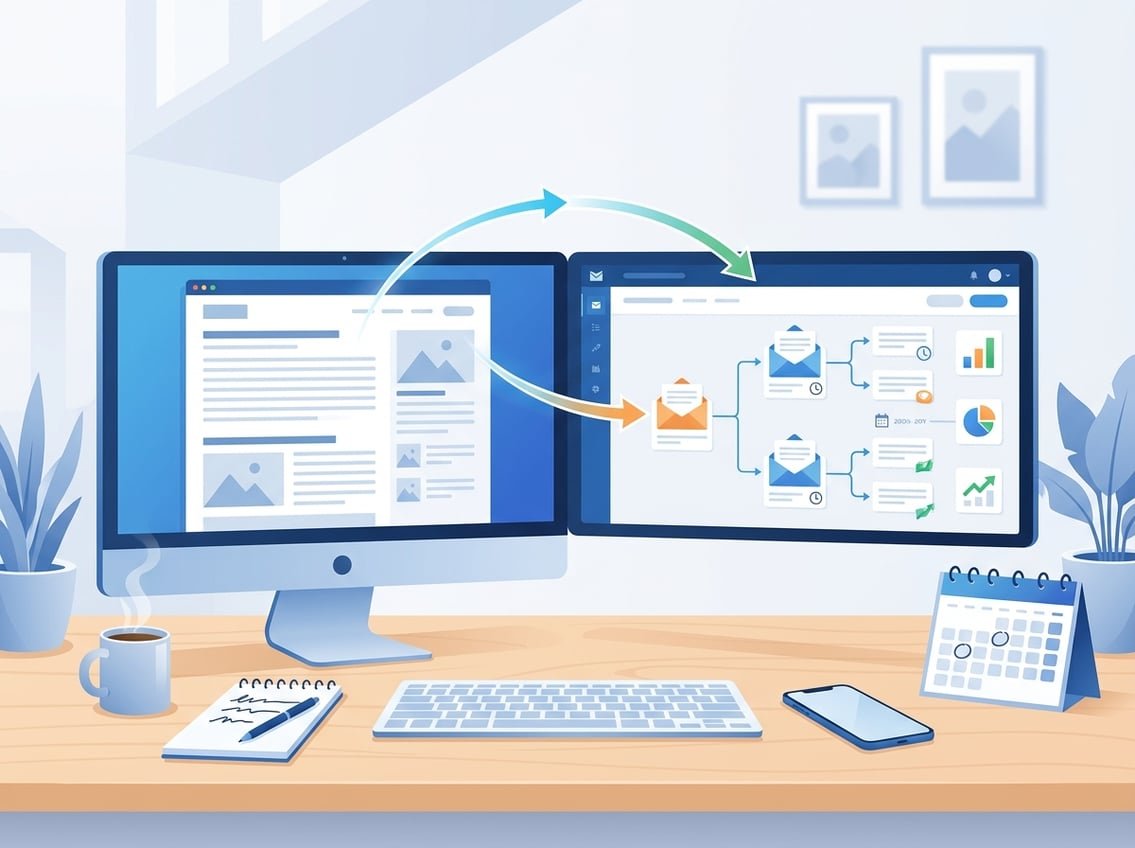
When you turn one blog post into an email campaign, you give one asset multiple jobs, more traffic, more trust, and more chances to drive conversions.
That matters because email marketing gives you direct access to your audience, while search and social traffic can change without warning. A good blog post can support an email campaign, an email newsletter, and a landing page offer at the same time.
Key Takeaways
- Start with one clear goal.
- Send value, not the whole post.
- Track clicks and conversions.
Start With the Right Blog Post and Campaign Goal
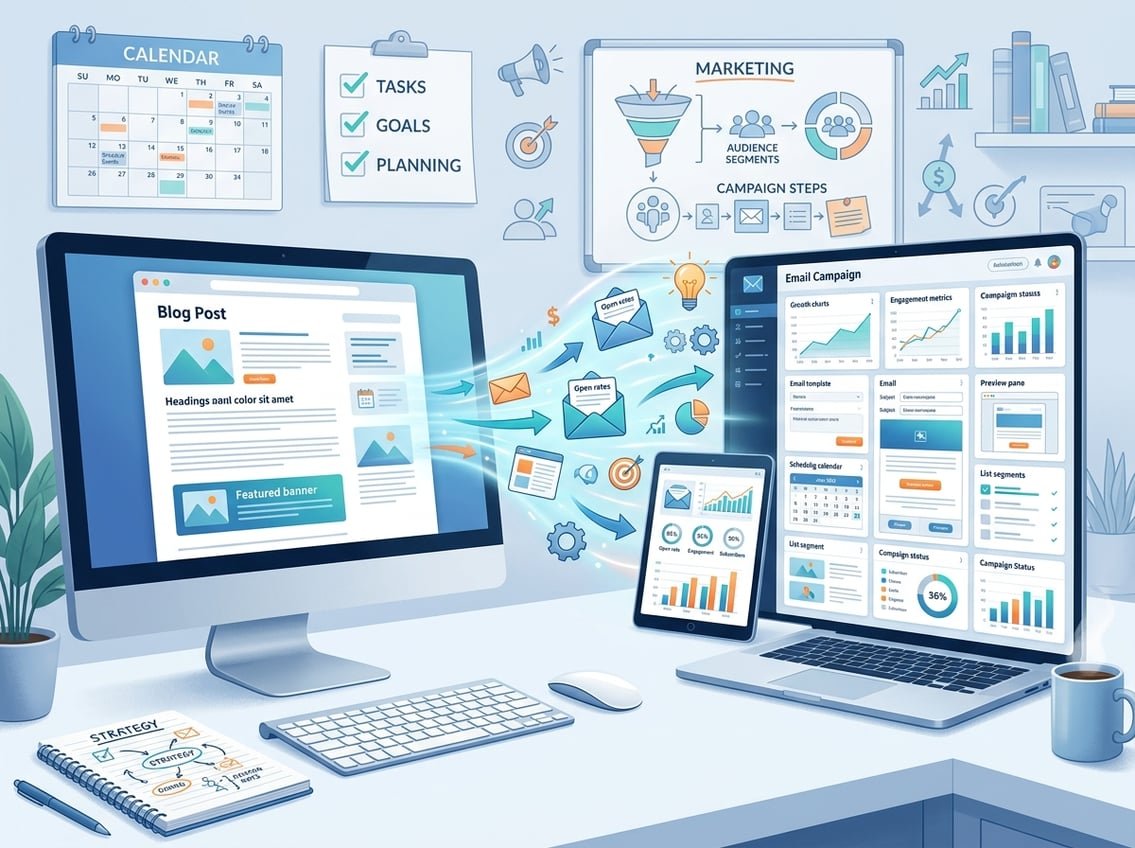
The best repurpose blog content plan starts with the right post and the right outcome. A post that already solves a real problem is much easier to turn into an email campaign than a broad topic with no clear next step.
Think about what you want the email to do, then choose the post that supports that goal. That could mean clicks, replies, signups, or sales.
Choose Posts With Clear Problems, Proof, or Actionable Takeaways
Posts that work best usually do one of three things. They solve a pain point, show proof through case studies, or give a simple action the reader can follow.
A post titled around a specific result, tool, or process usually makes a stronger email than a general opinion piece. That is why a blog article with steps, examples, or a clear before-and-after story is often easier to repurpose.
Match the Campaign to Traffic, Trust, or Conversions
If your goal is traffic, the email should tease the strongest part of the post and link back to it. If your goal is trust, the email can explain one useful idea and show your thinking.
If your goal is conversions, connect the email to a landing page with one clear offer. That might be a newsletter signup, a free guide, a product page, or an affiliate offer.
Identify the One Core Message Before Writing Anything
Before you draft a subject line, write the one sentence you want the reader to remember. That message should stay the same across the blog post, email campaign, and landing page.
For example, a post about beginner SEO could become a campaign built around one idea, consistent publishing creates compounding traffic. Keeping one core message makes the whole campaign feel focused instead of scattered.
Map One Article Into a Multi-Email Sequence
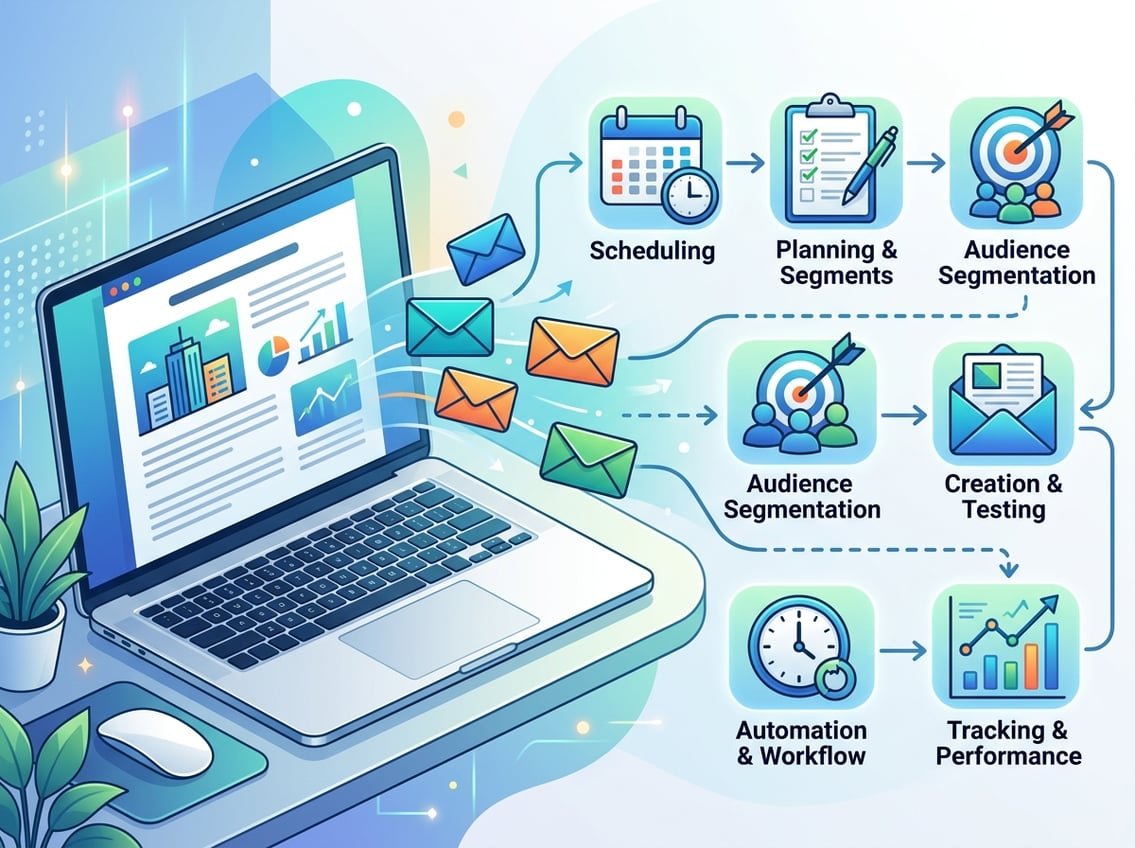
A single article does not need to become a single email. In many cases, a short email series works better because each message can highlight a different angle, use a different hook, and send readers to the same post or offer from a fresh point of view.
That approach also fits well with email series, welcome series, and evergreen automation. According to AWeber’s repurposing guide, the goal is not to copy the whole post, it is to extract the hook and adapt it for scanning.
Turn Key Points Into a Simple Email Series
Break the article into three to five key ideas. Then give each idea its own email with one focus and one call to action.
A simple structure looks like this:
- Email 1, problem or curiosity hook
- Email 2, main lesson or framework
- Email 3, example, proof, or quick win
- Email 4, objection handling or deeper detail
- Email 5, soft pitch or next step
That format works well for email newsletters and for automated email campaigns tied to content upgrades or offers.
Decide When to Use a Teaser, Summary, or Full Breakdown
A teaser works best when you want clicks back to the blog post. A summary works best when the reader only needs the main idea before taking action.
A full breakdown belongs in rare cases, usually when the email itself is the product, such as a teaching newsletter. For most bloggers, the better move is to give enough value in the inbox to earn the click.
Build a Welcome Series or Follow-Up Flow Around Evergreen Posts
Evergreen posts are useful because they can keep sending traffic long after publishing day. You can place them in a welcome series for new subscribers, then follow up with related posts or offers later.
That gives your best content more life and makes your list work harder. It also helps you build trust early, which matters when you sell affiliate tools, SaaS offers, or your own digital products.
Write Emails That Get Clicks Without Copying the Whole Post
A strong email should feel like a useful message, not a pasted article. The goal is to create curiosity, show value fast, and move the reader toward one action.
That is where click-through rate, clear structure, and a focused CTA matter most. If you use an AI writing assistant, use it to speed up drafting, not to remove your judgment.
Create a Strong Hook, Clear Value, and One Primary CTA
Start with a hook that points to the reader’s problem, goal, or missed opportunity. Then give one useful idea that makes the click feel worth it.
Your CTA should match the email goal. A blog traffic email might send people to the full article, while a conversion email might send them to a landing page, affiliate review, or lead magnet.
Use Scannable Formatting for Better Click-Through Rate
Most inbox readers skim. Short paragraphs, one main idea per section, and simple language make it easier to keep attention.
Use:
- Short sentences
- One clear CTA
- Plain text links where possible
- Light bolding for key phrases
This style often improves click-through rates because the message feels easy to read on a phone.
Adapt Tone for the Inbox and Use an AI Writing Assistant Carefully
Blog tone and email tone are not the same. Blog content can be more detailed, while email copy should sound like a direct note to one reader.
An AI writing assistant can help you draft a summary or generate subject line ideas, which is useful if you are producing content often. Still, you should edit for voice, accuracy, and clarity so the email feels human and specific.
Personalize and Package the Campaign for Better Engagement

Personalization gives your campaign a better chance of getting read, clicked, and acted on. The more closely the email matches the reader’s needs, the more likely it is to lift engagement rate.
This does not mean writing a new campaign for every person. It means using segmentation, visual support, and the right destination page so the message fits the reader better.
Use Segmentation to Send More Relevant Messages
Segmentation lets you send the same blog idea in a way that fits different groups. A beginner might get a simpler version, while a more advanced reader gets a sharper angle or a stronger offer.
For example, new subscribers might receive a welcome series with your best evergreen posts. Readers who clicked on SEO content might get follow-up emails about blog traffic, AI content tools, or affiliate systems.
Add Visual Elements Like Infographics Only Where They Support the Message
A simple infographic can help if the post includes steps, comparisons, or a framework. It can make the email easier to scan and give the reader a quick reason to keep going.
Do not add visuals just to fill space. In email marketing, a clean layout often works better than a crowded one.
Connect Each Email to the Right Landing Page or Content Upgrade
Every email needs a destination that matches the promise in the message. If you mention a checklist, the landing page should deliver the checklist. If you tease a case study, link to the case study or a related post.
That consistency improves trust and helps conversions. It also makes the campaign easier to measure because each click has a clear purpose.
Measure Performance and Improve the Sequence Over Time
If you want recurring growth, treat each campaign like a system you refine. The numbers tell you which ideas pull readers in and which messages need work.
Open rates, click-through rate, conversions, and engagement metrics help you see what the audience actually wants. A small lift in one email can compound when you reuse that pattern in future campaigns.
Track Open Rates, Click-Through Rate, and Conversions
Open rates show whether your subject line and sender name are doing their job. Click-through rate shows whether the email content creates enough interest to move readers forward.
Conversions matter most if your goal is sales, signups, or lead capture. If the email gets opens and clicks but no action, the landing page or offer may need work.
Watch for Unsubscribes and Other Engagement Metrics
Unsubscribes are not always bad, but a spike can show that the message missed the audience. Low engagement can also point to weak segmentation, poor timing, or a mismatch between the post and the offer.
A recent guide on email sequence best practices notes that sequences work best when messages are timely and targeted. That lines up with what you see in practice, readers respond better when the content feels relevant to where they are right now.
Refresh Winners and Reuse Top Performers in Future Campaigns
If one subject line, CTA, or angle performs well, save it. You can reuse the same structure with a different post, different audience segment, or different landing page.
This is where content marketing gets easier over time. You are not starting from zero each week, you are building a library of tested email patterns from the posts you already wrote.
Turn the Process Into a Repeatable Traffic and Income System
A single campaign can do more than drive one burst of traffic. When you repeat the process, your blog turns into a compounding asset that supports email newsletters, affiliate income, and SaaS promotions.
That is the kind of system iProfitLab focuses on, simple workflows that keep working after you publish. The point is not to create more content for the sake of it, the point is to make every piece of content earn its place.
Use Evergreen Content to Support Affiliate and SaaS Offers
Evergreen blog posts are ideal for recurring income because they stay useful for a long time. A post about email tools, hosting, or AI content systems can keep sending readers to affiliate offers and software recommendations months later.
The best results usually come from helpful content first, then a relevant offer second. Readers trust the email more when the value is real and the recommendation makes sense.
Combine Blog Publishing, Email Newsletters, and Automation
A simple system can look like this, publish one blog post, turn it into a newsletter, then automate a follow-up flow. That one article can live in search, in your email list, and in a sequence for new subscribers.
That is also why content repurposing works so well. As noted in content repurposing guidance, one blog post can become an email campaign and a social series, which gives each idea more than one path to traffic.
Create a Simple Workflow You Can Repeat Every Time You Publish
Keep the workflow the same each time:
- Publish the blog post.
- Pull out the core message and key points.
- Write a short email or sequence.
- Add the right CTA and landing page link.
- Schedule it in your email platform.
- Review the results and save what worked.
If you want a faster start, the Free AI Income Starter Kit and the Recommended Tools page from iProfitLab can help you organize the process around simple systems instead of guesswork. That makes it easier to stay consistent and build recurring income over time.
Frequently Asked Questions
What’s the best way to break a single article into a multi-email sequence without repeating myself?
Focus each email on one angle, such as the problem, the main idea, proof, or the next step. You do not need to repeat the full post, you just need each message to add a new reason to click.
How many emails should I plan from one piece of content, and how far apart should they be sent?
Three to five emails is a good range for most blog posts. Send them close enough to stay connected, often every one to three days, depending on your list and goal.
Which parts of a post make the strongest email hooks, subject lines, and preview text?
Strong hooks usually come from the headline, a surprising stat, a clear mistake, or a quick win in the article. Look for the part that makes someone think, “I need that.”
How do I adapt a blog post for different audience segments while keeping the core message consistent?
Keep the main idea the same, then change the example, CTA, or level of detail for each group. Beginners may need more context, while advanced readers may want a faster path to action.
What’s the simplest workflow to build, design, and schedule the campaign in Mailchimp or Squarespace Email Campaigns?
Draft the email outside the tool first, then paste it in, add the subject line, and check the CTA link before scheduling. A simple folder or template system helps you move faster the next time you do it.
Which email marketing rules of thumb (like 80/20 or 60/40) actually help when repurposing blog content?
A simple rule that helps most is 80 percent value and 20 percent promotion. If you want a safer balance, keep the email useful first, then make the CTA feel like the natural next step.