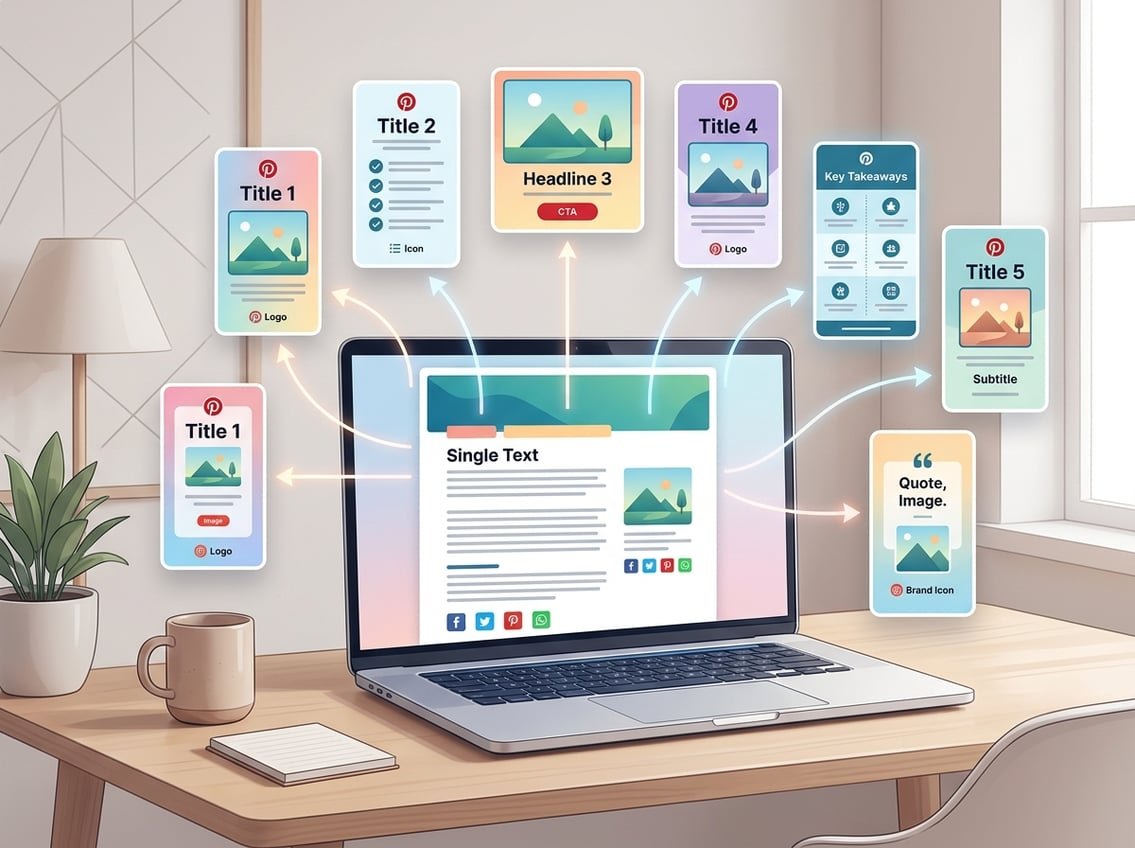
How to Repurpose One Blog Post Into Multiple Pinterest Pins starts with a simple idea, you do not need a brand-new post every time you want more Pinterest traffic. You already have the raw material inside one strong article, and you can turn that into several pin angles, pin designs, and search entry points.
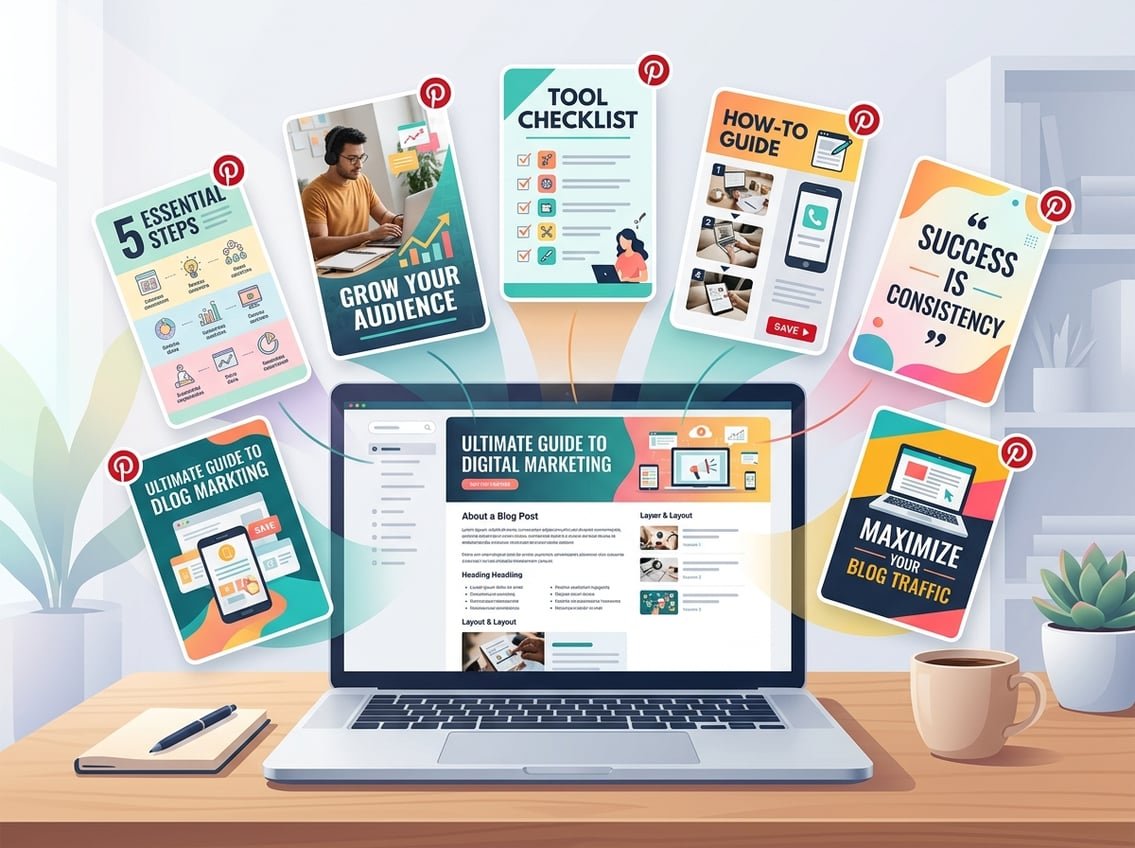
The fastest way to grow Pinterest traffic is to treat each blog post like a content asset you can repurpose into many fresh pins, then publish those pins with a simple SEO-driven system.
This works well because Pinterest is a visual search engine, not just a social feed. If you build your pins around search intent, you can earn more blog traffic without constantly creating new articles from scratch.
Key Takeaways
-
One strong post can support many pin angles.
-
Search-friendly pins get more useful clicks.
-
Evergreen content works best for repurposing.
Why One Blog Post Can Support Many Pins
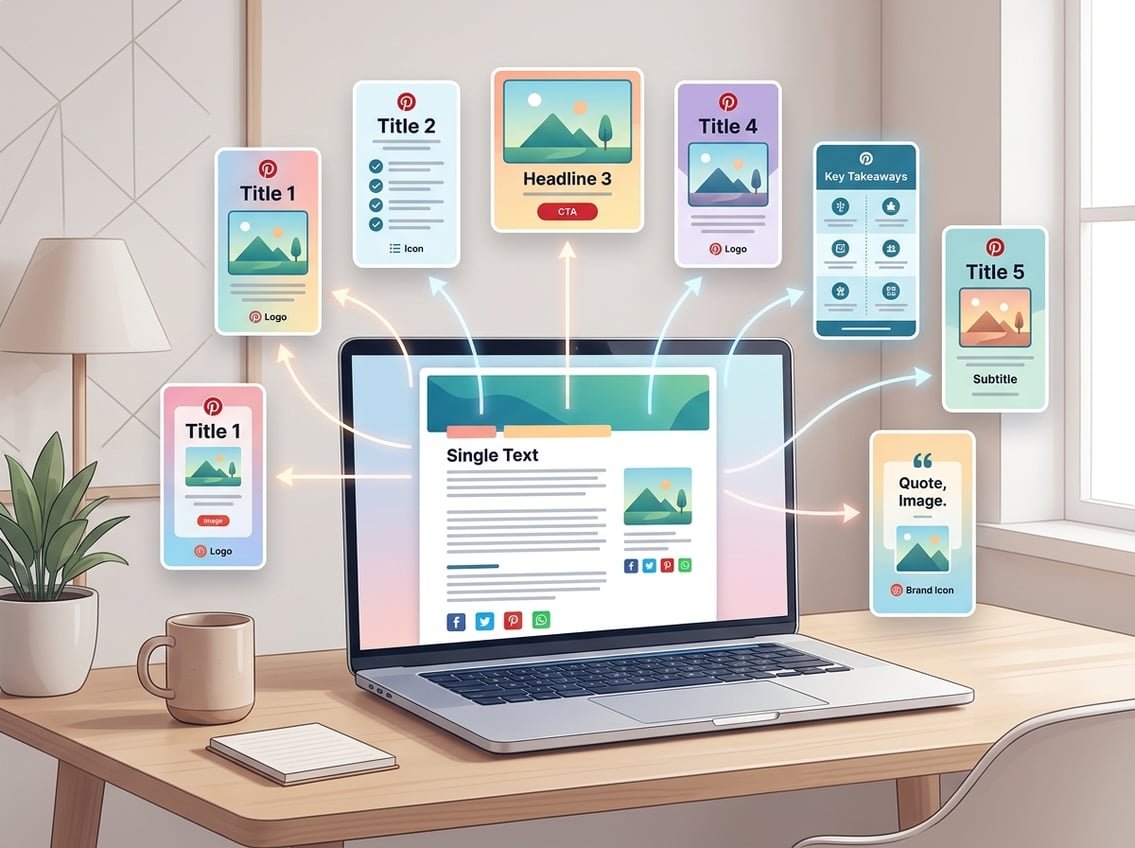
Pinterest gives you multiple ways to show the same idea to different people. A single blog post can support several multiple pinterest pins because people search with different words, different pain points, and different levels of experience.
The goal is not to repeat the same pin again and again. The goal is to create different entry points that all lead back to the same useful page.
How Pinterest Works More Like a Search Engine Than Social Media
Pinterest behaves more like Google than Instagram. People type in a problem, a goal, or a topic, then browse results until something matches what they want.
That is why pinterest marketing works so well for tutorials, guides, checklists, and how-to posts. When your pin title, image, and description match a search query, you give yourself a better chance to earn pinterest traffic.
Why Multiple Entry Points Increase Outbound Clicks
Different people respond to different hooks. One reader may click a pin about “easy tips,” while another clicks a pin about “common mistakes,” even if both pins lead to the same post.
That gives you more chances for outbound clicks. It also helps you test which angle gets the strongest response, which is useful when you want to improve your pinterest strategy over time.
What Makes Evergreen Blog Posts Ideal for Repurposing
Evergreen content keeps its value for months or years. Posts about blogging, SEO, affiliate marketing, email growth, productivity, and tools usually stay useful longer than trend-based content.
That makes evergreen blog posts easier to repurpose because the pin stays relevant. If the post still solves a real problem next month, it is worth turning into more than one pin.
Choose the Right Blog Post and Pull Pin Angles
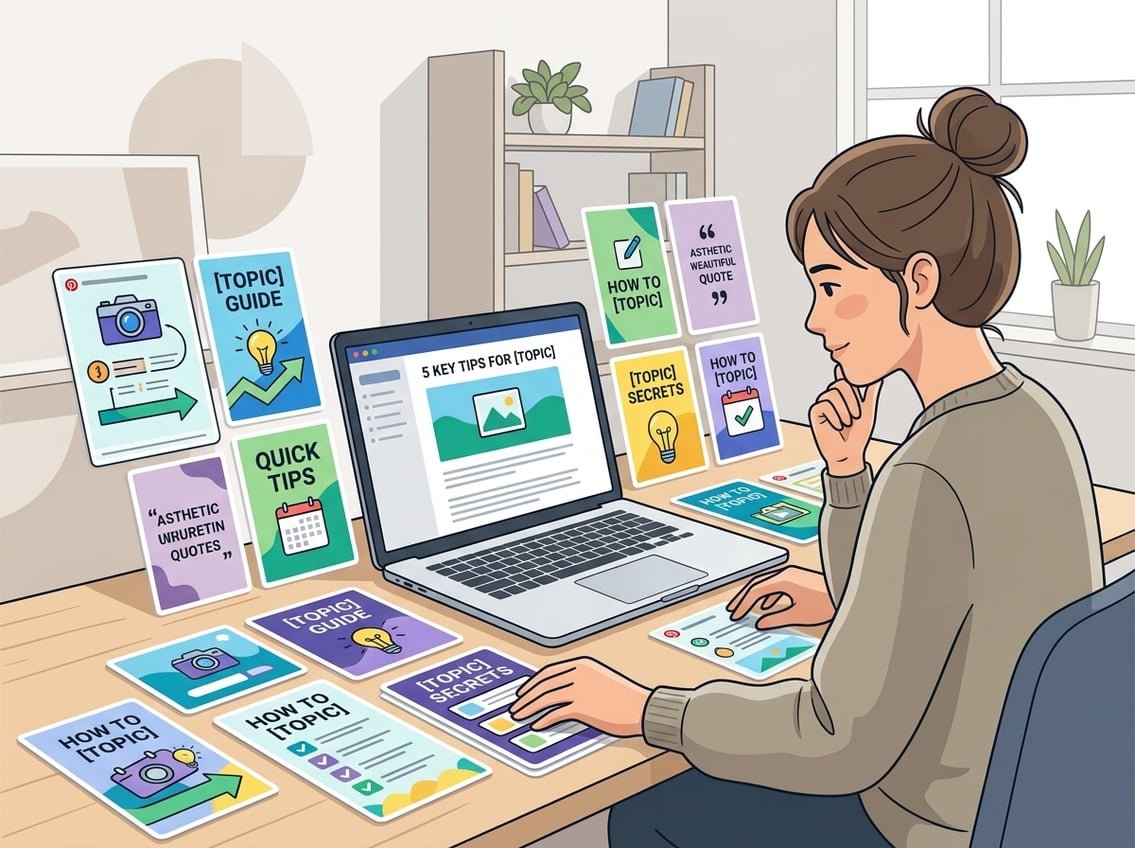
Start with the posts that already have clear search intent. Then break the article into smaller ideas so you can turn each one into separate pin ideas without forcing new content.
This is where smart repurpose blog content work saves time. You are not inventing from scratch, you are extracting the strongest angles that already exist.
How to Spot Posts With Strong Search Intent
Look for posts that answer a direct question, solve a problem, or help someone make a decision. “How to,” “best,” “checklist,” “tools,” and “mistakes to avoid” posts are usually strong candidates.
Posts with a clear audience also perform better, such as “for beginners” or “for affiliate bloggers.” These topics avoid many common pinterest mistakes because they match what people are already trying to find.
Turn Subheadings, Tips, and Mistakes Into Pin Ideas
Your subheadings are a built-in list of pin ideas. Each section of the article can become its own angle, such as a tip pin, a mistake pin, or a checklist pin.
Try this process:
-
Turn a tip into a benefit statement.
-
Turn a mistake into a warning-style pin.
-
Turn a how-to step into a result-based headline.
-
Turn a list into a “top X” pin.
That is a simple form of repurposing content that works well for multiple pinterest pins.
Use ChatGPT to Expand Headlines and Content Angles
ChatGPT can help you brainstorm faster, especially when you already know the article topic. Give it your blog title, subheadings, and a few audience details, then ask for new headline angles, pain-point hooks, and beginner-friendly versions.
A useful prompt is: “Turn these blog subheadings into 10 Pinterest pin titles for beginners, using search-friendly language and different angles.” That keeps repurposing content practical instead of guessy.
Create Fresh Pin Variations Without Starting Over
You do not need a brand-new visual style for every pin. You need a repeatable system for making fresh pins that look different enough to test while still feeling like your brand.
The best approach is to vary the text, the layout, and the promise, while keeping the process simple. That is how you create pins without burning out.
Write Better Pin Titles and Descriptions for Search
Strong pin titles are clear, specific, and tied to a search phrase. Your pin titles and descriptions should tell people exactly what they will get if they click.
Use a mix of:
-
Problem-based titles
-
Result-based titles
-
Beginner-friendly titles
-
List or checklist titles
Your pinterest descriptions should repeat the main keywords naturally and explain the benefit in plain language. This helps with pinterest seo and makes your create pinterest pins workflow more effective.
Use a Few Repeatable Pin Styles Instead of Endless Designs
You do not need dozens of pin styles. A few reliable pin designs are enough if you rotate them well.
Good repeatable styles include:
-
Bold text on a clean background
-
Photo plus headline layout
-
Checklist style
-
Mistake or warning style
-
Tip or mini-guide style
This gives your pin graphics variety without making the process slow. It also makes your pinterest graphics easier to batch.
Build Branded Templates in Canva for Faster Production
Canva is one of the easiest ways to create pinterest pins quickly. Use a 2:3 ratio so your pins fit Pinterest’s preferred format, then make a few pin templates you can reuse every week.
A simple template set can include:
-
One photo-based layout
-
One text-heavy layout
-
One checklist layout
-
One branded quote or tip layout
Keep your branded templates consistent with the same fonts, colors, and logo placement. That makes your pin design process faster and easier to repeat.
When to Use Static Graphics vs Video Pins
Video pins can help when you want movement or a quick demonstration. Static pin designs are easier to batch and usually faster to produce.
Use static pin graphics for tutorials, checklists, and search-based topics. Use video pins when you want to show a process, compare options, or walk through a quick transformation. Keeping both in your mix can help you create more fresh pins from the same post.
Build a Simple Pinterest Workflow and Publishing Schedule
A good pinterest workflow keeps you consistent without making Pinterest feel like a second full-time job. The easiest path is to batch your design work, then spread your pins out over time.
That matters because repurposing content works best when you stay steady. You do not need to post nonstop, you need a system you can maintain.
Batch Design and Organize Pins by Post and Campaign
Create all pin variations for one post in the same work session. Then save them in folders by blog post, topic, and campaign so you always know what is ready to publish.
A simple folder setup:
-
Blog Post Title
-
Pin Version 1, 2, 3
-
Evergreen Campaign
-
Seasonal Campaign
That makes it easier to repurpose blog content later without hunting for files. It also keeps multiple pinterest pins organized.
How to Schedule Pins Without Looking Spammy
Spacing matters. If you post the same URL too fast with tiny changes, your feed can look repetitive.
A safer approach is to schedule different pin angles over days or weeks, not all at once. That lets you schedule pins while keeping your account clean and your pinterest repurposing strategy natural.
Use Tailwind, SmartLoop, and a Pinterest Scheduler Carefully
Tailwind is useful if you want to manage timing and consistency. SmartLoop can help you resurface evergreen content, while a pinterest scheduler can keep your workflow simple.
Use these tools to support your strategy, not replace it. The best results usually come from pairing good content with a thoughtful publishing plan, something iProfitLab often emphasizes when talking about systems over motivation.
Optimize Performance With SEO, Boards, and Analytics
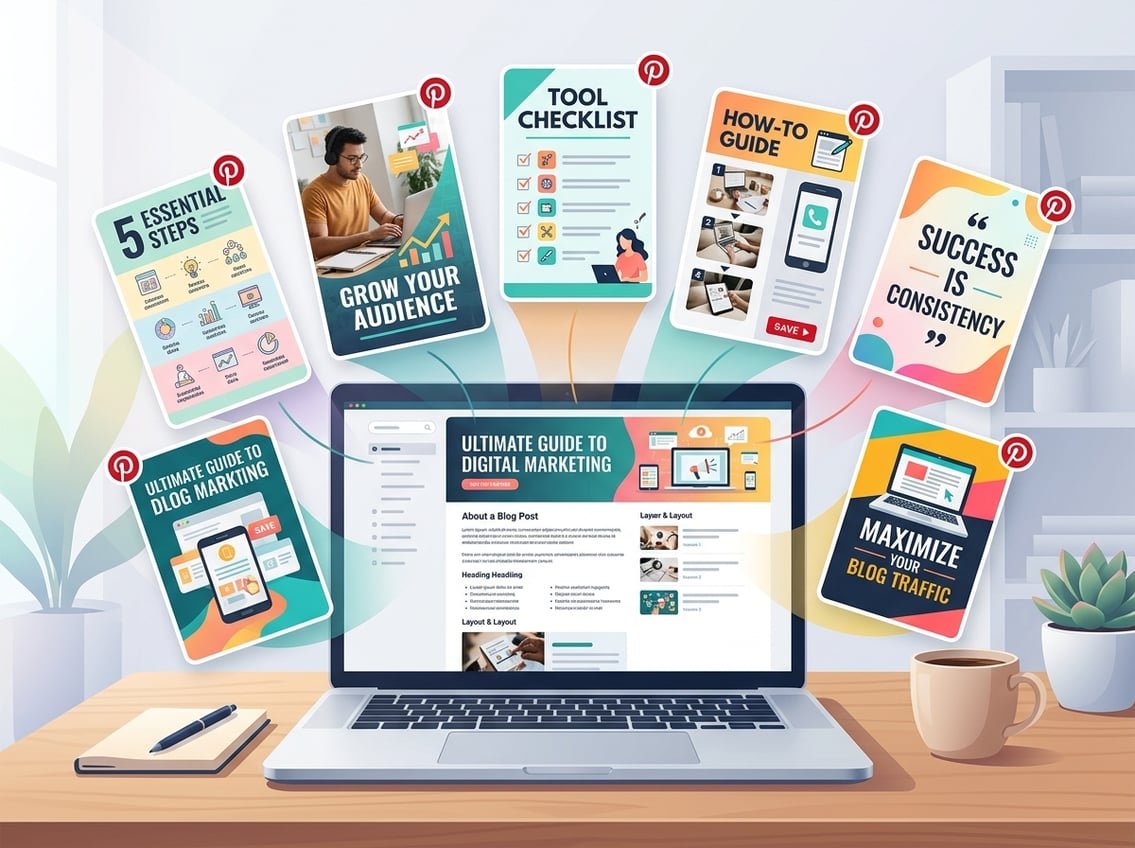
Once your pins are live, your job is to help Pinterest understand what each pin is about. That means using strong keywords, relevant boards, and regular tracking.
This is where pinterest seo and analysis work together. Better structure can improve reach, while analytics show you what deserves more attention.
Match Keywords to Pinterest Search Behavior
Use the same language your reader would type into Pinterest. If your post is about email marketing for bloggers, your pin titles and descriptions should reflect that phrase, not just a vague branding line.
Good keyword matching helps your pinterest descriptions show up for the right searches. It also reduces pinterest mistakes like clever but unclear wording.
Use Pinterest Boards and Trends to Extend Reach
Your pinterest boards should match the topics you publish about. A pin about blogging should go to a blogging board, not a random general board.
Check pinterest trends for seasonal language and timely topics, then adapt your pin angles when needed. This can help the same post feel current without changing the core article.
Track Results With Pinterest Analytics and Google Analytics
Use pinterest analytics to see which pins get impressions, saves, and clicks. Then use google analytics to see which pins actually bring pageviews and engaged visitors.
That gives you a clear picture of what works. If one angle gets more outbound clicks than the others, make more versions like it.
Common Pinterest Mistakes That Limit Distribution
A few mistakes can hold back your reach:
-
Weak keyword use in titles and descriptions
-
Too many similar pins in a short span
-
Boards that do not match the topic
-
Poor image readability
-
Pins that promise more than the post delivers
Avoiding those pinterest mistakes keeps your repurposed content more useful and easier to scale.
Turn Pinterest Traffic Into Subscribers and Affiliate Revenue
Pinterest traffic matters most when it supports your business system, not just your pageviews. The best setup sends people to posts that build trust, capture emails, and create room for affiliate revenue.
That is where evergreen blog posts become valuable again. They can keep working after the pin is published.
Send Pin Traffic to Posts That Naturally Monetize
Choose posts that lead to useful next steps, like tutorials, tool comparisons, or beginner guides. These often work well for blog traffic and can also support affiliate links if the recommendations fit.
If a post solves a real problem, readers are more likely to click through and stay. That makes your pinterest traffic more valuable than random clicks.
Add Email Capture and Content Upgrades to Evergreen Posts
An evergreen post becomes stronger when it includes an email opt-in. You can offer a checklist, template, or mini guide that fits the topic and gives readers a reason to subscribe.
This is a smart move if you want to build an audience you own. If you already use tools like Beehiiv, this is a good place to connect your Pinterest system to your email list growth.
Connect Pinterest Repurposing to a Long-Term Income System
Pinterest repurposing works best when you think in systems. One post can bring traffic, that traffic can grow your email list, and your email list can support affiliate offers, digital products, or future content.
That is the kind of compounding model iProfitLab focuses on, where repurposing content is not just a design task. It becomes part of a larger traffic and income engine.
Frequently Asked Questions
What pin templates and image sizes work best for turning one article into multiple Pinterest designs?
A 2:3 vertical format usually works best for Pinterest pins, and it gives you a clean layout for text and images. Start with a few pin templates in Canva, then reuse them with different headlines, colors, and images.
How many unique pins should I create from a single post, and how often should I publish them?
A single post can usually support several strong pin versions if the article has multiple subtopics, tips, or mistakes. A practical range is 3 to 10 unique pins, then space them out over time so your publishing looks steady instead of rushed.
What are practical ways to rewrite headlines and descriptions so each pin feels fresh without being repetitive?
Change the angle, not just the wording. One pin can focus on speed, another on mistakes, another on beginner tips, and another on results, while still linking to the same post.
How do I optimize keywords, titles, and boards to help repurposed pins rank in Pinterest search?
Use the same phrases your reader would search for, then place those keywords in the title, description, and board name when it fits naturally. Keep your boards focused on one topic so Pinterest can connect the pin to the right search intent.
What’s the simplest way to add a blog post to Pinterest and ensure every pin links correctly?
Create the pin in Canva or your design tool, add the blog post URL in Pinterest when you upload the pin, and double-check the landing page before publishing. If you batch pins, keep one master document with the correct URL for each post so you do not mix them up.
How do I track which pin variations drive the most clicks and pageviews so I can double down on what works?
Use Pinterest Analytics to compare impressions, saves, and outbound clicks, then confirm the traffic quality in Google Analytics. If one pin style keeps winning, make more versions in that same format and apply the same angle to other evergreen posts.
If you want a faster starting point, download the Free AI Income Starter Kit for a simple execution roadmap, or check the Recommended Tools page for trusted options that fit a blogging and Pinterest traffic system.