Pinterest Marketing for Affiliate Beginners works best when you treat Pinterest as a visual search engine, not as a place to post random links and hope for clicks. When you use it with the right niche, a simple content system, and offers that match buyer intent, you can build traffic that supports passive income and a real side hustle.
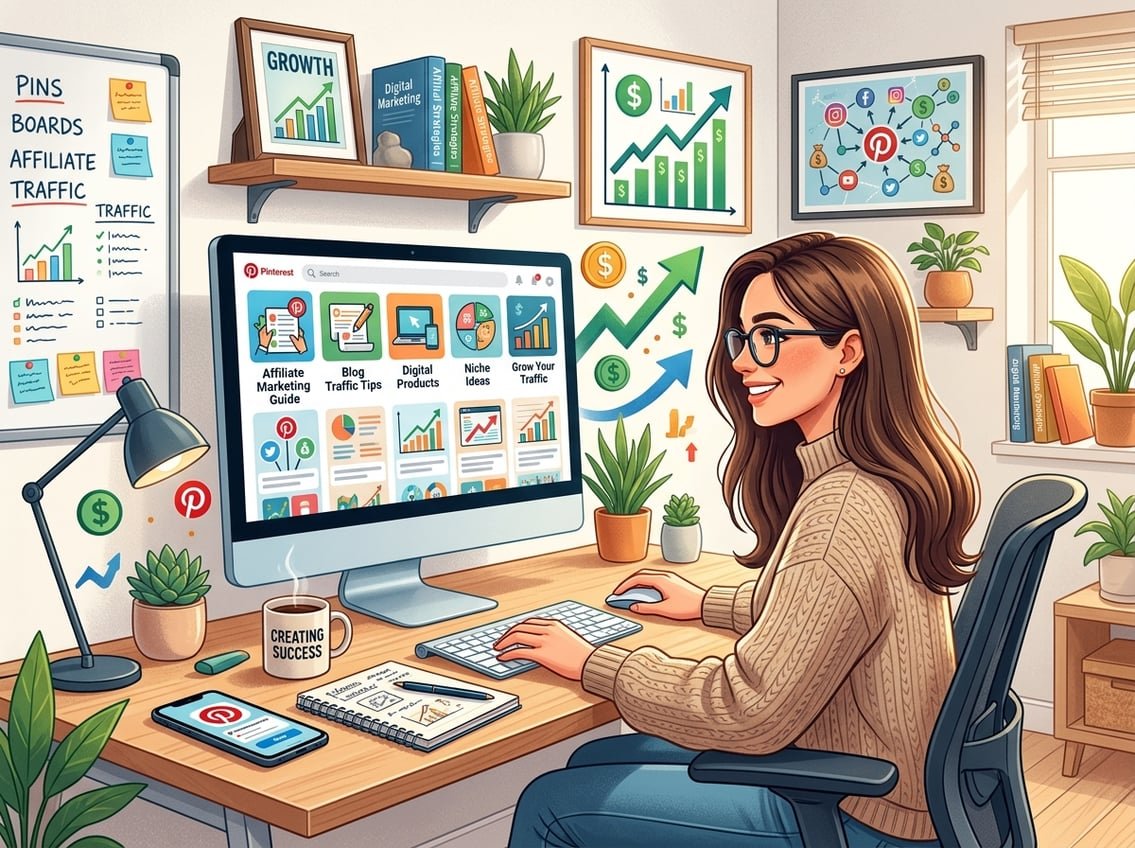
The simplest path is this: publish helpful content, send Pinterest traffic to a landing page or blog post, and connect that traffic to affiliate offers that fit what people are already searching for.
If you want recurring income, the smartest move is to think beyond a single pin and focus on a system. That means your pins, blog posts, email list, and affiliate programs all work together instead of living in separate places.
Key Takeaways
- Pinterest traffic can be steady when your content matches search intent.
- A blog, landing page, and email list make your affiliate system stronger.
- Recurring commissions are easier to scale than one-time wins.
How Pinterest Fits Into an Affiliate Income System
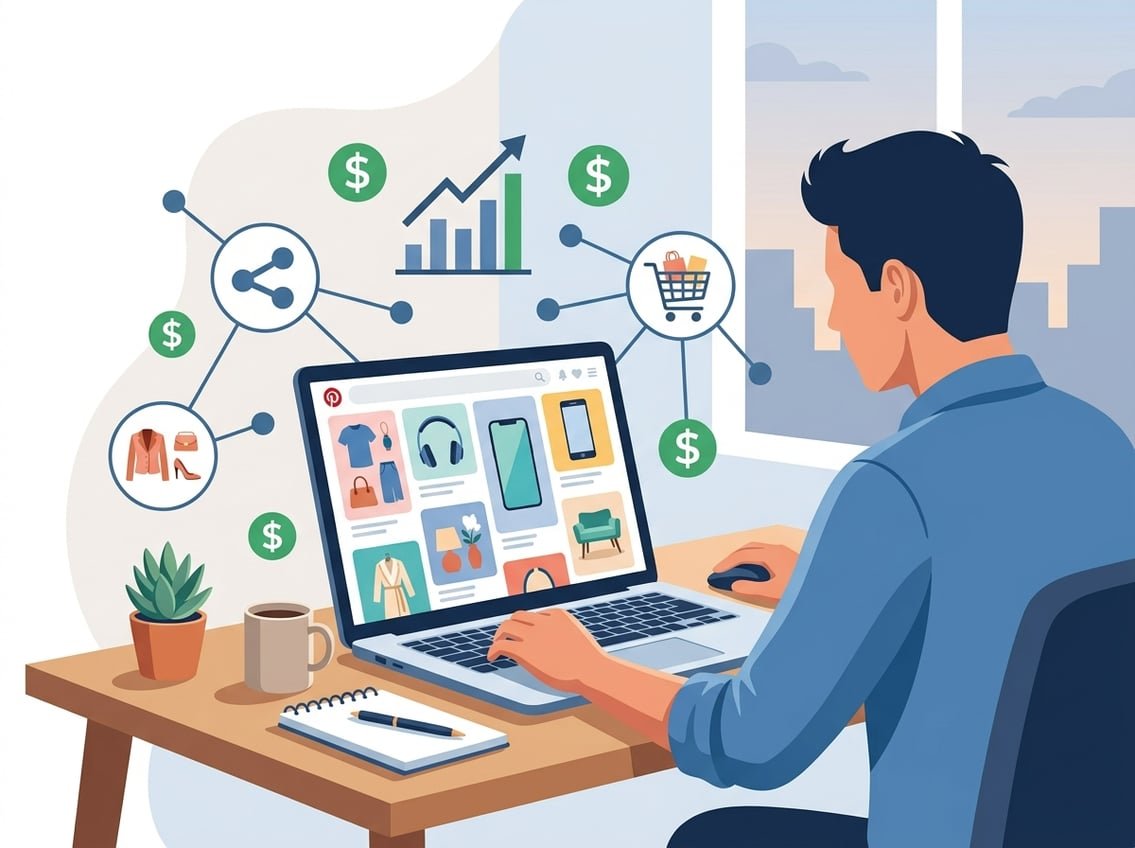
Pinterest affiliate marketing works because Pinterest is a visual search engine with high buyer intent. People use it to look for ideas, products, comparisons, and solutions, which makes it different from most social feeds where users are mainly scrolling for entertainment. A practical guide from Pinterest affiliate marketing research points out that users often search with purchase-focused phrases, which is why product content can convert well.
What Pinterest Affiliate Marketing Actually Means
Affiliate marketing on Pinterest means you earn a commission when someone clicks your affiliate link and buys. You can place affiliate links on Pinterest in some cases, though many creators do better by sending traffic to a blog post or landing page first.
That extra step gives you room to explain the product, build trust, and collect email subscribers. It also makes your content easier to reuse across multiple affiliate programs.
Why Pinterest Users Convert Differently From Social Media Audiences
Pinterest users often arrive with a plan. They are looking for ideas like “best budget desk setup,” “healthy meal prep tools,” or “email marketing software for beginners,” which means they are already close to buying.
That is why Pinterest traffic often converts better than cold social traffic. You are not interrupting people, you are matching their search.
Direct Affiliate Links vs Blog Posts vs a Landing Page
Direct affiliate links can work, yet they are usually the least flexible option. A blog post gives you more trust, better SEO value, and room for multiple links.
A landing page sits in the middle. It works well when you want to promote one offer, capture leads, or send traffic to a focused recommendation page.
When Pinterest Makes Sense for Recurring Commissions
Pinterest is strongest when you promote offers with repeat value, like SaaS tools, memberships, email platforms, or subscriptions. Those offers can pay recurring commissions, which makes each click more valuable over time.
If you want stable income, this is where Pinterest shines. iProfitLab often emphasizes systems over motivation for this exact reason, because one good audience source can support many recurring offers.
Set Up a Beginner-Ready Account and Content Foundation

Your setup should make it easy for Pinterest to understand who your content is for. The strongest accounts have a clear niche, a keyword-rich profile, themed boards, and a simple place for traffic to go.
Choose a Niche With Buyer Intent and Content Depth
Pick a niche you can support with many helpful posts, not just one product. Good beginner niches include blogging tools, home organization, budget tech, creator tools, fitness gear, and simple digital business topics.
Use a niche that matches buyer intent. If people are already searching for comparisons, reviews, or “best of” lists, you have a better chance of turning clicks into sales.
Create a Pinterest Business Account and Keyword-Rich Bio
Use a Pinterest business account so you can access Pinterest analytics and better profile tools. Write a keyword-rich bio that tells people what you help with, such as “Pinterest marketing tips, affiliate tools, and beginner blog growth.”
Keep your display name clear too. A phrase like “Creator Income Tips” is easier to understand than a vague brand name with no context.
Organize Themed Boards Around Search Intent
Build boards around searches, not random topics. Instead of broad boards like “Ideas,” use focused board names like “Blogging Tools for Beginners,” “Email List Growth,” or “Affiliate Marketing Tips.”
That structure helps with Pinterest SEO and makes your account easier to browse. It also gives you a clean path for future content ideas based on Pinterest trends.
Enable Rich Pins and Prepare Your Website or Landing Page
Rich Pins help pull extra context from your website, which can make your content look more complete. If you are linking to blog posts, product roundups, or lead pages, make sure your site is ready and your pages are useful.
A simple landing page can work if you do not have a full blog yet. If you want a beginner-friendly setup, a tool like Hostinger is often used for affordable sites, and the Pinterest business education hub is helpful for keeping your setup aligned with platform best practices.
Find Affiliate Offers That Match Pinterest Search Intent
Your offer choice matters as much as your pin design. The best affiliate programs match what people search for on Pinterest, pay fairly, and fit a topic you can explain clearly.
How to Join an Affiliate Program That Fits Your Niche
Start by searching for brands in your niche and checking their footer for “Affiliate,” “Partners,” or “Referral” pages. You can also join affiliate networks and apply to individual programs from there.
A simple review post or comparison post usually works better than pushing a product with no context. That is where trust starts to build.
Best Offer Types for Beginners: Physical Products, Digital Tools, and SaaS
Physical products can work well when your niche is visual, like home, beauty, kitchen, or craft content. Digital tools and SaaS offers often pay better and can create recurring commissions.
For beginners who want long-term income, SaaS and email tools are often a stronger fit than low-margin physical products. They usually have clear problems, clear buyers, and a repeat-use model.
Comparing Affiliate Networks, Commission Rates, and Cookie Duration
When you compare affiliate programs, look at commission rates, cookie duration, and cookie window length. A higher rate is useful, yet a shorter cookie window can reduce your chances of earning from slower buyers.
Networks like ShareASale, CJ Affiliate, Impact, Rakuten, and Amazon Associates all work differently, so read the program terms before you commit.
What to Know About Amazon Associates and Higher-Paying Alternatives
Amazon Associates is easy for beginners because people already trust Amazon and the product catalog is huge. The downside is that commission rates are often low, so you usually need more volume to make the same income.
Higher-paying alternatives often include software, subscriptions, and niche digital products. A strong product review with a clear use case can outperform a generic product pin when your audience wants a specific solution.
Create Pins That Earn Clicks Without Looking Spammy
Your pins should feel helpful, not pushy. The goal is to create pins that match search intent, look clean, and send people to a page that makes sense.
What High-Quality Pins Need to Include
A high-quality pin needs one clear topic, one clear promise, and one clear next step. If the pin is about “best email tools for beginners,” the destination should not be a broad homepage.
Use your pin to solve one problem at a time. That makes the click feel natural instead of forced.
Pin Design Basics for Click-Throughs and Trust
Keep your design simple, readable, and consistent. Use strong contrast, large text, and one main visual.
Avoid clutter. A clean design usually performs better than a busy one because users can understand it fast while scrolling.
Write Titles and Pin Descriptions for Pinterest SEO
Use keywords in pin titles and descriptions the same way you would use them in blog SEO. Terms like “Pinterest SEO,” “affiliate marketing,” and “best tools for beginners” help Pinterest connect your pin to the right searches.
Write for people first, then add search terms naturally. If the description sounds fake or stuffed with keywords, it is less likely to earn trust.
Using Fresh Pins, Video Pins, and Idea Pins Strategically
Fresh pins matter because they give Pinterest new creative to test. If you already have a blog post, make several new pin designs for the same URL instead of posting the same image again and again.
Video pins can work well for demonstrations and product previews. Idea Pins are useful for reach and engagement, though they are less direct for outbound affiliate traffic, so use them as part of a wider content plan rather than your only tactic.
Publishing, Promotion, and Traffic Growth
You do not need to post all day to get results. You need a repeatable pinning rhythm, a clear view of what Pinterest is favoring, and a way to turn existing content into more pin assets.
How to Start Pinning Consistently Without Overposting
Start with a manageable pace, like a few fresh pins per day or a small batch several times per week. Consistency matters more than volume when you are new.
If you publish too much too fast, your content may look repetitive. Slow and steady is easier to manage and easier to improve.
Using Pinterest Trends and the Pinterest Algorithm to Guide Content
Pinterest trends help you see what people are already searching for. If a topic has seasonal demand, plan content early so your pins are live before the spike.
The Pinterest algorithm also rewards content that gets saves, clicks, and strong relevance. That means your board names, pin text, and destination page should all point to the same topic.
Tailwind, Scheduling, and Repurposing Blog Content Into Pins
A scheduler like Tailwind can help you stay consistent without manual posting every day. It is useful when you already have a few blog posts and want to turn each one into several pin variations.
This is where blogging and Pinterest work well together. One post can become multiple pins, several board placements, and a long-term traffic asset.
When Pinterest Ads and Pinterest Affiliate Campaigns Make Sense
Pinterest ads can make sense once you know which pins and offers already convert. If you spend before you have a clear message, you can burn budget fast.
Use paid traffic only when your offer, landing page, and tracking are already working. That is the smarter way to approach Pinterest affiliate campaigns.
Track Results and Turn Clicks Into Long-Term Revenue
Clicks are useful, yet they are not the full story. You want to know which pins, offers, and pages actually lead to revenue, not just traffic.
Use Pinterest Analytics to Spot Winning Pins and Boards
Pinterest analytics shows which pins earn impressions, saves, outbound clicks, and engagement. If you notice one board or one topic doing better than the others, make more content around that theme.
Pinterest’s own analytics and measurement tools are built for this kind of review. You want to find patterns, not guess.
How to Track Conversions Beyond Outbound Clicks
Track clicks from Pinterest, then check what happens after the click. If you send traffic to a landing page, watch email signups, affiliate link clicks, and sales separately.
This gives you a clearer picture of what is working. A pin with fewer clicks can still earn more money if the traffic is better matched to the offer.
Build an Email List From Pinterest Traffic
An email list is one of the best ways to make Pinterest traffic more valuable. Instead of sending every visitor straight to an affiliate offer, you can offer a free checklist, guide, or starter kit first.
That gives you a second chance to convert later. It also helps you build a business that is less dependent on any one platform.
Common Beginner Mistakes That Hurt Trust and Earnings
The biggest mistakes are using weak pin images, sending traffic to unrelated pages, and promoting too many offers at once. Another common problem is ignoring disclosure, which can hurt trust fast.
Do not chase random clicks. Focus on a few offers, a few boards, and a clear message so your Pinterest affiliate marketing feels useful.
Frequently Asked Questions
How do I start affiliate marketing on Pinterest if I’m a complete beginner?
Start with one niche, one business account, and one simple destination page. Then join one or two affiliate programs that match your topic and create a small batch of pins around search terms people already use.
Can I promote affiliate links on Pinterest without having a website or blog?
Yes, you can use affiliate links in some Pinterest setups, though a website or landing page usually gives you better control and trust. A page you own also makes it easier to explain the offer and collect email subscribers.
What are the current rules for using affiliate links on Pinterest, and what could get my account flagged?
Pinterest wants clear, useful content and honest disclosure. Spammy behavior, repeated low-quality pins, misleading links, and overly aggressive promotion can all create risk.
How do I set up and optimize Pinterest boards and pins to drive affiliate clicks and sales?
Use keyword-rich board names, create pins that match one search intent, and send each pin to a relevant page. Strong pin design, clear titles, and focused descriptions help the right people find your content.
What does a successful Pinterest affiliate pin and funnel look like in real examples?
A strong funnel can look like this, a pin about “best blogging tools for beginners” sends traffic to a blog post or landing page, the page explains the tools, and the page includes affiliate links. If you add an email opt-in, you can keep following up after the first visit.
How can I promote Amazon affiliate products on Pinterest the right way, especially without a website?
You can do it more safely by sending traffic to a page that explains the product before the click. A simple page with comparison notes, disclosures, and useful context usually works better than a raw product link.
If you want a cleaner starting point, you can also use the Free AI Income Starter Kit or check the Recommended Tools page for trusted tools and a more structured path.