Pinterest can send steady blog traffic when you treat it like a visual search engine, not a social feed. If you want How to Create Viral Pinterest Pins for Blog Traffic, you need pins that match search intent, stand out fast, and lead readers to the right blog post.
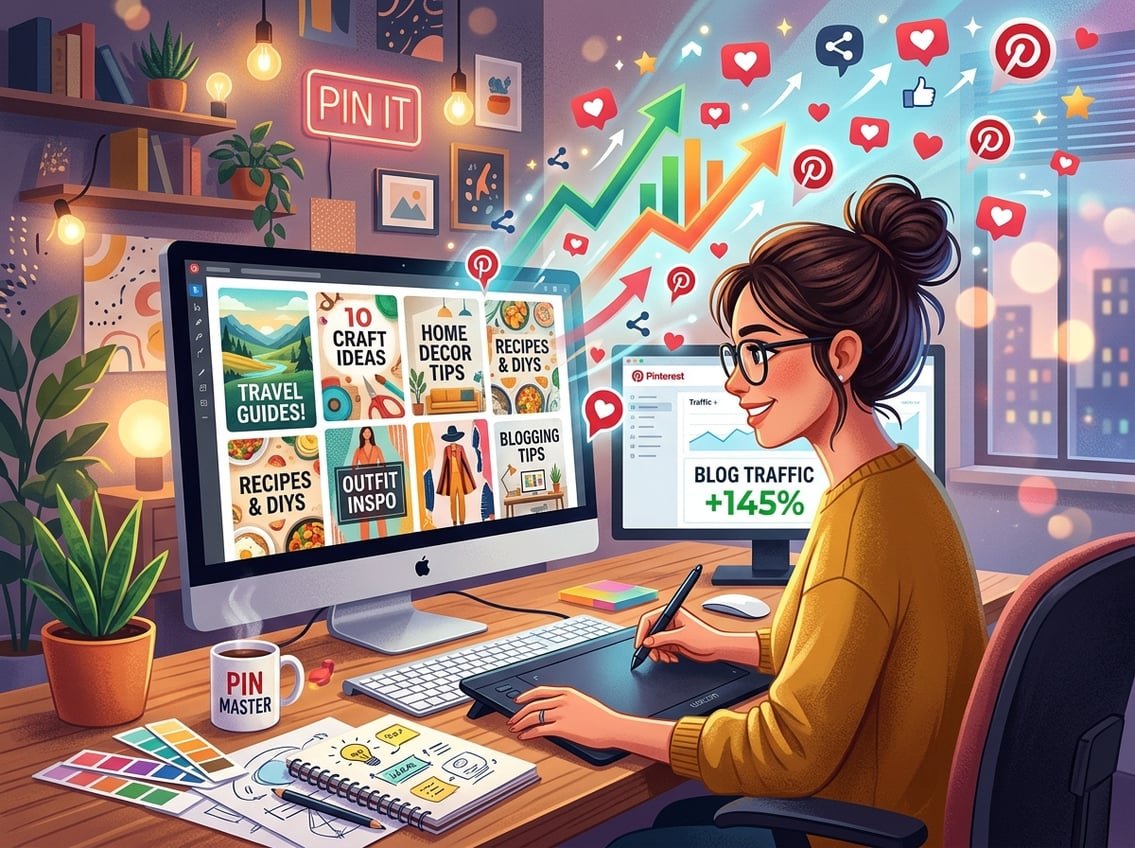
The fastest path to better Pinterest traffic is simple: make pins people want to click, optimize them for search, and connect them to content that converts.
That means your pin design matters, your keywords matter, and your blog post matters too. A strong Pinterest strategy is not just about getting impressions. It is about getting the right people to your site, building trust, and turning that attention into email subscribers or recurring affiliate revenue.
Key Takeaways
- Make each pin easy to scan in under a second.
- Use Pinterest SEO so your pins can be found in search.
- Match every click to a blog post that can convert.
What Makes a Pin Worth Clicking
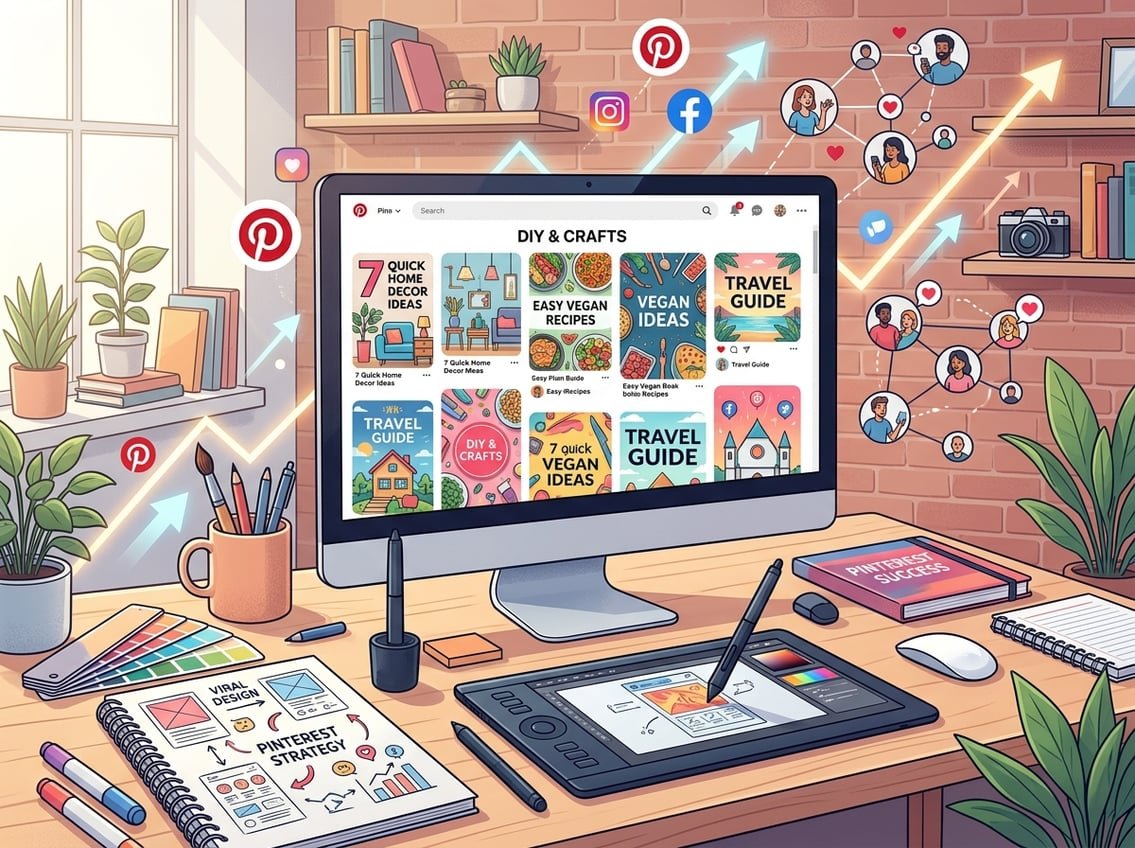
Pinterest discovery works differently from a normal social feed. People are not usually browsing to see what friends posted, they are searching for ideas, solutions, and inspiration. That is why click-worthy pins can create consistent Pinterest traffic and help you drive blog traffic long after publishing.
How Pinterest Discovery Differs From Social Media Feeds
On Pinterest, the pinterest algorithm looks for relevance, engagement, and freshness. A pin can keep showing up in search and home feed results if it matches what users want.
That is very different from a fast-moving social post. Your goal is not to win likes in the moment. Your goal is to create a pin that earns outbound clicks and keeps sending visitors to your blog over time.
What “Viral” Actually Means for Bloggers
For bloggers, viral usually means a pin gets much more reach, saves, and clicks than your normal posts. It does not need to reach millions to count as viral.
A pin is strong when it keeps generating Pinterest traffic weeks or months later. That is the kind of compounding result that helps you grow your blog with less dependence on social media trends.
The Core Traits of Click-Worthy Pins
The best viral Pinterest pins usually share a few traits:
- They promise a clear result.
- They use a simple headline.
- They are easy to read on mobile.
- They match the blog post exactly.
- They make people curious enough to click.
Your pinterest strategy should focus on clarity first. If someone cannot tell what the pin offers in one glance, you lose the click.
Pin Design Elements That Improve Reach and Clicks
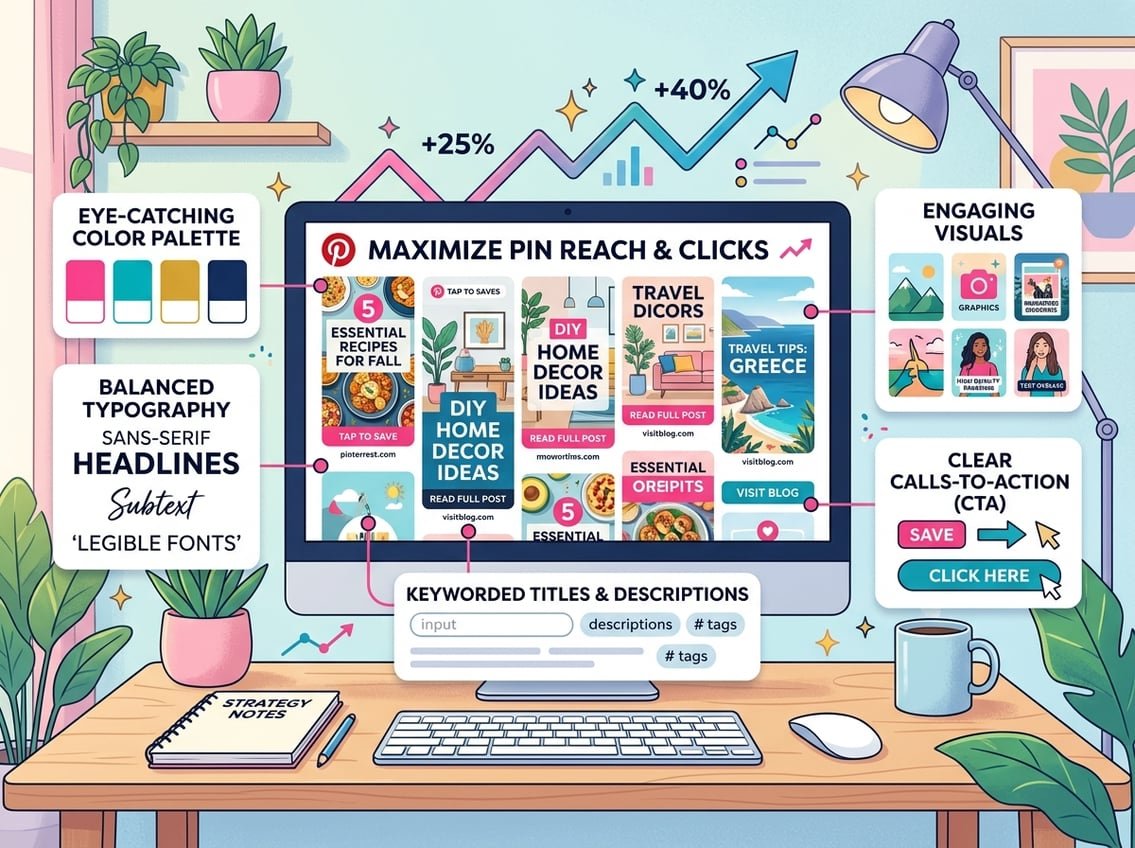
Good pin design helps your content stop the scroll. Strong pin designs do not need to be fancy, they need to be clear, readable, and built for mobile viewing. If you want to create viral pins, design for attention first and style second.
Use the Right Pinterest Size and Aspect Ratio
Pinterest still works best with a vertical format. A 2:3 ratio, also called a 2:3 aspect ratio, is the standard choice, and 1000 x 1500 pixels is a common size recommendation.
If you use 1000x1500px, your pin usually displays cleanly across devices. That gives your static pins a better shot at strong visibility.
Build Strong Visual Hierarchy With Readable Text
Your text overlay should be the easiest thing to read. Put the main promise in the biggest text, then support it with a short subheadline.
Good visual hierarchy means the eye knows where to look first, second, and third. Use readable fonts and avoid crowded layouts, tiny text, or decorative type that gets hard to read on a phone.
Choose Colors, Photos, and Layouts That Stand Out
Strong pin design tips usually come down to contrast and simplicity. High-contrast colors help your title pop, while a clean layout keeps the message easy to scan.
Use photos that support the topic, not random stock images. When your pin looks clear and useful, people are more likely to click, save, and share it.
Create Multiple Fresh Designs for One Blog Post
One blog post should not have only one pin. Fresh pins give you more chances to reach different search terms, audiences, and visual styles.
If you want to design pins that perform better, create several pin designs for the same URL. Change the headline, background, image, and layout so each version feels new, even though it points to the same article.
Pinterest SEO That Helps Pins Get Found
Pinterest search behavior matters as much as design. If your keywords are weak, your pins may look nice and still get buried. A good pinterest seo setup helps the right people find your content in pinterest trends and search results.
Research Keywords With Pinterest Search and Trends
Start with the Pinterest search bar. Type your topic and note the autocomplete suggestions, then check related ideas and seasonal pinterest trends.
A pinterest business account gives you access to more useful data, including pinterest analytics. That makes it easier to see which keywords, topics, and visuals are attracting attention.
Write a Strong Pin Title and Description
Your pin title should include the main keyword and a clear benefit. Your pin titles should sound natural, not stuffed.
Do the same with your pin description. Use keyword-rich titles and keyword-rich descriptions that explain what the reader gets after the click. That helps both search visibility and click-through rate.
Optimize Boards, Board Names, and Relevance Signals
Your pinterest boards should match the topics your audience cares about. Keep board names simple and specific, and place each pin on the most relevant board first.
Pinterest uses relevance signals from the pin, the board, and your account. A clear profile structure helps your content get found more often and supports long-term visibility.
Publishing and Scheduling Without Looking Spammy
Pinterest rewards consistency, not random bursts. You can create pins on Pinterest or design them elsewhere, then publish them in a steady way that feels natural and useful. The goal is to create Pinterest pins that fit a real content system, not a spam cycle.
When to Use Static Pins Versus Video Pins
Static pins work well for most blog posts because they are fast to scan and easy to produce. Video pins can work well when you want motion, demos, or quick step-by-step previews.
For most beginners, static pins are the best place to start. Add video pins later when you want to test new formats and expand reach.
How Many Variations to Create Per URL
A single blog post should have more than one pin. In practice, 3 to 5 variations is a smart starting point because each design can test a different angle, headline, or image.
This is one of the most useful pinterest tips. Different pin angles give you more chances to match different search intents and discover which message gets the most clicks.
Schedule Pins Consistently With Tailwind
Pinterest scheduling helps you stay consistent without posting all day. Tools like Tailwind can help you space out your content and keep a regular publishing rhythm.
Use scheduling to support a system, not to hide poor content. Strong pins, good keywords, and a steady cadence work better together than automation alone. If you like practical systems, iProfitLab covers that same mindset across blogging, SEO, and recurring income.
Where Group Boards and Tailwind Communities Still Fit
Group boards still have some use in narrow niches, though they are not as important as they once were. Tailwind communities can help with discovery if you use them with care.
Treat both as support tools, not a main strategy. Your best results still come from good content, good pin design, and strong Pinterest SEO.
Turning Pinterest Traffic Into Subscribers and Affiliate Revenue
Getting clicks is useful, yet traffic only matters when it supports your business. If you want to grow your blog, your email list, and recurring income, your pins should lead to pages that do more than just inform. The best pinterest marketing connects discovery with action.
Match Each Pin to Search Intent and Content Type
Every pin should promise something specific. A user searching for “best email tools” wants a different page than someone searching for “how to start a blog.”
Match each pin to the right content type, such as tutorial posts, list posts, comparison posts, or lead magnets. That helps drive traffic that is more likely to stick around.
Prepare Blog Posts to Convert Pinterest Visitors
A Pinterest visitor usually skims fast. Your blog post should open with a clear promise, a quick answer, and an obvious next step.
Use strong headings, internal links, and simple calls to action. If your post is part of a broader system, like the step-by-step resources iProfitLab shares for blogging and email growth, you can move visitors from one helpful page to another.
Use Email Capture and Affiliate Offers the Right Way
If your goal is to grow your blog, place a relevant opt-in near the top of the post and again later in the article. Keep the offer tied to the pin promise so the click feels consistent.
For affiliate links, choose products that genuinely help the reader finish the task. Pinterest traffic can support recurring commissions when you promote trusted SaaS tools, email platforms, and other useful services that fit the topic.
Tracking Results and Improving Winning Pins
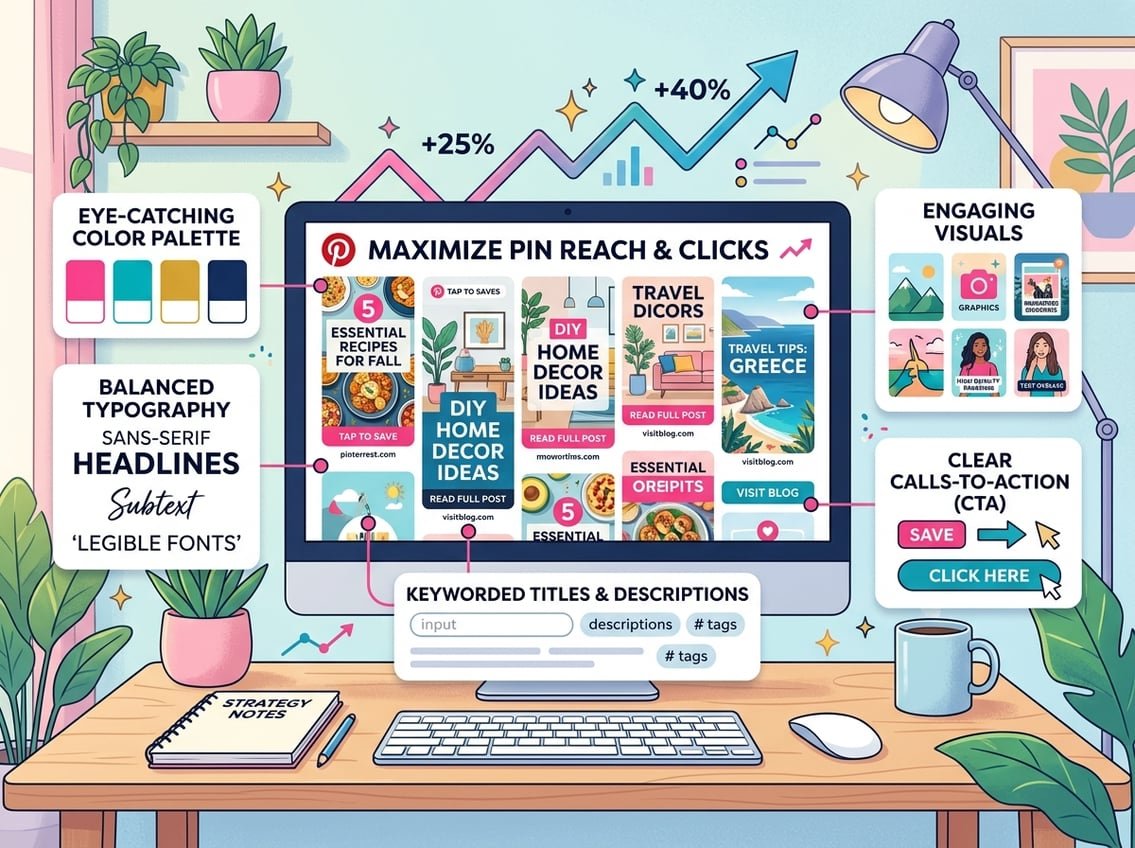
You do not need perfect pins on day one. You need a simple way to test, watch results, and improve what works. That is the practical path for learning how to go viral on Pinterest in a sustainable way.
Which Metrics Matter Most Inside Pinterest Analytics
Inside pinterest analytics, watch impressions, saves, pin clicks, and outbound clicks. Outbound clicks matter most when your goal is blog traffic.
If a pin gets lots of impressions but few clicks, the design or title may need work. If it gets clicks but weak time on page, the blog post may not match the pin promise.
How to Spot High-Potential Pins Early
A pin does not need huge numbers immediately to show promise. Early saves, clicks, and steady impressions are often better signs than a one-day spike.
Look for patterns in your viral Pinterest pins. A clear topic, clean layout, and keyword match often show up again and again in better-performing pins.
A Simple Testing Workflow for Better Long-Term Results
Test one thing at a time when possible. Change the headline, image, or color palette, then wait long enough to collect real data.
Keep a simple workflow:
- Publish several pin versions for one URL.
- Track clicks and saves.
- Refresh weak designs.
- Repeat the winners with new angles.
That process supports long-term pinterest growth far better than guessing. It also helps you build a repeatable pinterest strategy that keeps improving over time.
Frequently Asked Questions
What design elements make a Pinterest pin more likely to be saved and shared?
Clear text, strong contrast, and a simple layout make pins easier to save and share. You also want the topic to feel useful or specific, since people usually save pins they may want to revisit later.
How do I use Pinterest SEO (keywords, titles, and descriptions) to get more impressions and clicks?
Use keywords your audience already searches for in your title, description, board name, and profile. Keep the wording natural and focused on the outcome the reader wants, since that helps both discovery and clicks.
What’s the best posting frequency and pinning schedule to drive consistent blog traffic?
A steady schedule matters more than a perfect number. Publishing consistently each week, and spacing pins across multiple URLs, usually works better than posting a large burst and disappearing.
How can I use analytics to identify which pins are driving the most outbound clicks to my blog?
Check Pinterest analytics for outbound clicks, saves, and impressions. Pins with strong outbound clicks are the ones bringing real visitors to your site, which makes them the best candidates for republishing or redesigning.
What Pinterest trends and content types tend to perform best for different blog niches?
Tutorials, checklists, comparisons, and “best of” posts often perform well because they match clear search intent. Seasonal topics and trend-based ideas can also work well when you publish early enough.
How can tools like Semrush help with keyword research and content planning for Pinterest?
Semrush can help you find topic ideas, keyword variations, and related searches before you design pins. That makes it easier to build content that matches real demand instead of guessing what people want.