Hostinger review for new bloggers often comes down to one question, do you want a simple, affordable place to launch your first WordPress site without getting buried in technical setup? If that is your goal, Hostinger is one of the more beginner-friendly options you can consider.

Hostinger gives you a strong mix of low starting cost, easy WordPress setup, and a clean dashboard, which makes it a practical choice for your first blog if you want room to grow.
It is not the right fit for every site. If you expect high traffic soon, need deep server control, or want the most advanced hosting features right away, you may want a different host.
For new bloggers, the real test is not just price. You need hosting that supports fast pages, simple maintenance, SEO-friendly performance, and a path to email list growth and recurring affiliate income. That is the lens you should use when judging Hostinger.
Key Takeaways
- Hostinger is easy to start with.
- Speed and pricing are strong for new blogs.
- You may outgrow entry plans later.
Quick Verdict for First-Time Bloggers
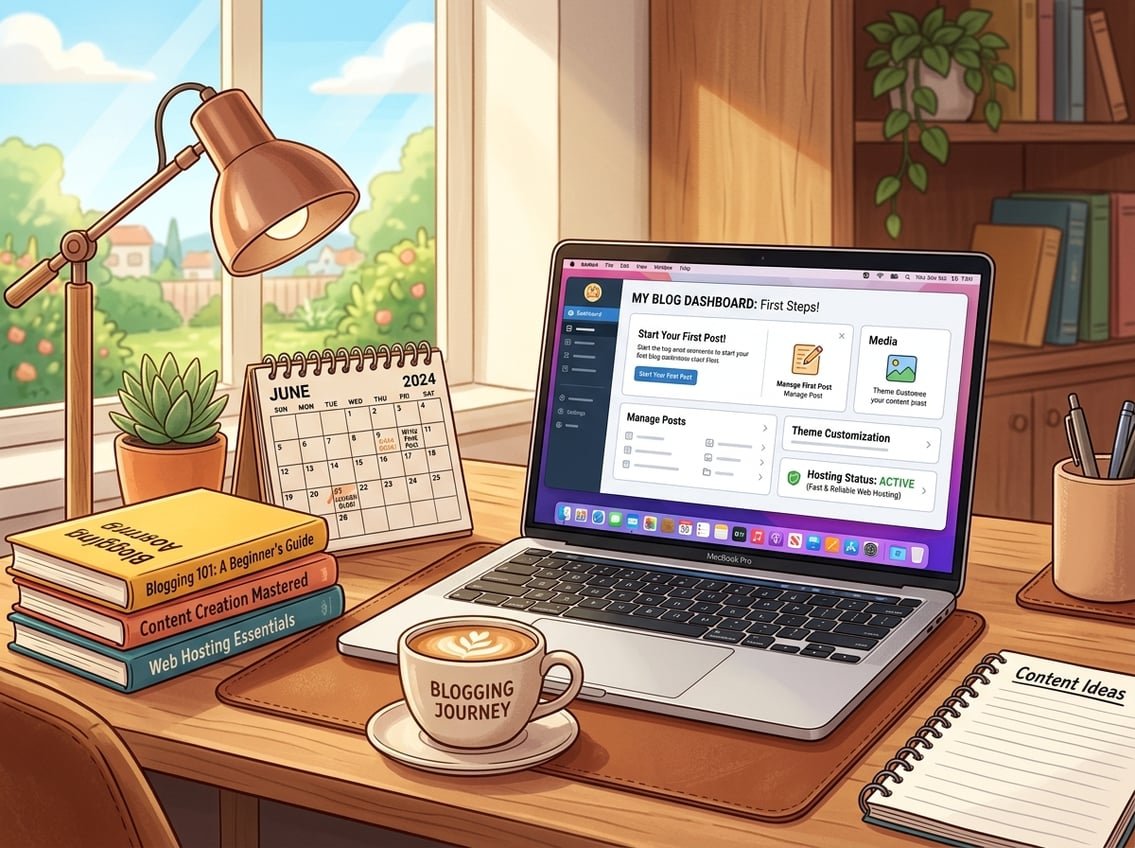
Hostinger works well if you want a beginner-friendly control panel, affordable shared hosting, and easy access to WordPress hosting without a steep learning curve. It is also a solid fit if you are building a blog, a small business site, or a simple ecommerce store and want to keep costs low at the start.
The main trade-off is that you are choosing a budget host, so you should expect some limits as traffic grows. For many first sites, those limits are fine.
Who Hostinger Is Best For
Hostinger is a smart fit for first-time bloggers, creators, and small businesses that want a simple launch path. It also works well if you want managed WordPress features without paying premium managed WordPress hosting prices.
It is a good match for you if you care about value, not just the cheapest sticker price. That matters for bloggers who want to build something lasting.
Who Should Look at Other Hosts
You may want to compare other budget hosting providers if you need advanced server control, very high traffic support, or a more premium support experience. Large ecommerce stores, resource-heavy sites, and fast-growing agencies may prefer a host built for more flexibility.
If you already know you want deep technical control, cloud hosting, or VPS hosting from day one, Hostinger may feel too simple.
What New Bloggers Need Most From Hosting
You need three things first: easy setup, decent speed, and a plan that does not create stress. That includes a beginner-friendly control panel, reliable WordPress hosting, and enough room to publish content without constant maintenance.
For a new blog, hosting also affects SEO, page speed, and how quickly your readers reach your content. Faster sites tend to create a better user experience, which matters if you want affiliate clicks and email signups later.
Setup, Dashboard, and Beginner Experience
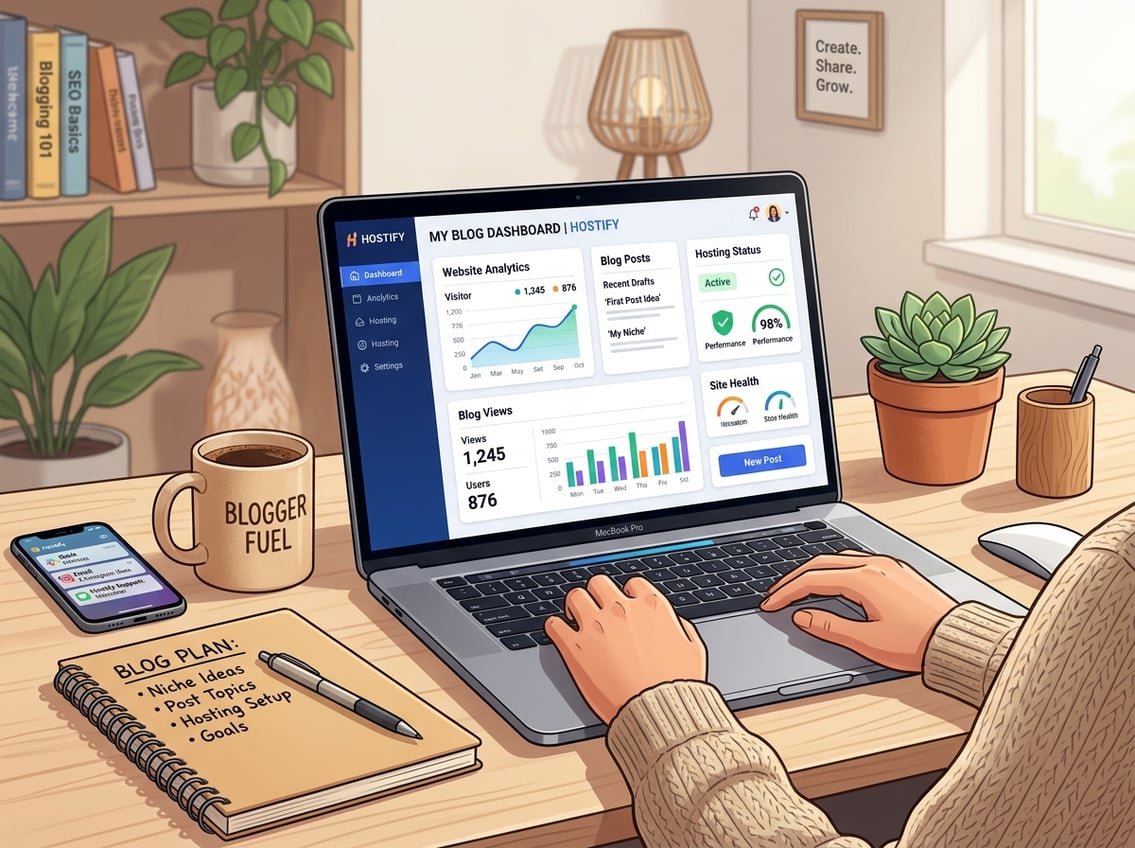
Hostinger keeps setup simple with hPanel, which replaces the more traditional cPanel experience many beginners find confusing. You can install WordPress fast, manage a free domain, and handle basic site tasks from one place.
For a new blogger, the main value is clarity. You are not forced to hunt through a crowded control panel just to launch your site.
How hPanel Compares With cPanel
hPanel feels more guided and visual than cPanel. If you are new, that makes a real difference because you can spot the main tasks quickly, like website setup, email, and domain management.
A HostAdvice beginner review notes that Hostinger is designed to guide beginners instead of dropping them into a technical panel. That matches the experience many first-time users want.
One-Click WordPress Setup and Site Launch
Hostinger makes it easy to install WordPress with a 1-click WordPress installation flow, so you can get a blog live without manual setup. That is a big win if you want to focus on writing, SEO, and content planning instead of server tasks.
You can also use the website builder or the AI website builder if you want a faster visual start. Hostinger’s AI-powered tools and Kodee can help you move through basic setup tasks faster.
Free Domain, SSL, and Basic Site Management
Many plans include a free domain and free SSL certificate, which lowers your upfront cost and helps your site look more trustworthy from day one. That matters for bloggers, since trust affects email signups and affiliate conversions.
You also get basic domain registration and site management tools in the same dashboard. If you are choosing between your first blog platform and a more complex stack, that simplicity is a real advantage.
Performance, Speed, and Reliability
Hostinger puts a lot of focus on speed, and that is one reason many new bloggers consider it. Your hosting choice affects website speed, site speed, page speed, and even how users experience your content on mobile.
For SEO and affiliate marketing, speed is not a vanity metric. It can influence bounce rate, time on page, and how well your pages convert.
LiteSpeed Servers, Caching, and Page Speed
Hostinger uses LiteSpeed servers and LiteSpeed cache on many plans, which helps with fast loading times. In plain terms, that means your WordPress site can serve pages more efficiently than with basic server setups.
That speed boost can matter when you add image-heavy posts, comparison tables, or AI-assisted content. Hostinger also offers NVMe SSD storage on certain plans, which is useful for faster data access.
Uptime, TTFB, and Real-World Blog Performance
A host can only be useful if your site stays online. Hostinger advertises 99.9% uptime, and many reviewers test this with uptime monitoring tools like UptimeRobot and speed tools like GTmetrix.
If you are building a blog that depends on Google traffic and email opt-ins, stable uptime matters. Visitors do not wait around for a slow or unavailable page.
CDN, Data Centers, and Global Reach
Hostinger includes Cloudflare CDN support and has global data centers, which can help your content load faster for readers in different regions. That is useful if you want traffic from the U.S. and beyond.
A CDN can also reduce the load on your server during traffic spikes. For a new blogger, that is simple insurance for the kind of traffic jumps that can happen when a post ranks or gets shared.
Plans, Pricing, and Long-Term Value
Hostinger is known for affordable hosting, especially at the intro price. The real question is whether the value still works after renewal.
For a new blog, you should compare the first-term cost with the renewal pricing before you commit.
Shared, WordPress, Cloud, and VPS Options
Hostinger offers shared hosting, WordPress hosting, cloud hosting, and VPS hosting. Shared hosting is usually the best starting point for a new blog, while managed WordPress and cloud startup plans can make sense as your site grows.
If you want a single path with more power later, the cloud startup plan is worth a look. VPS hosting is usually more than most beginners need at the start.
Intro Pricing vs Renewal Prices
Hostinger pricing often looks very low at sign-up, which is why many beginners choose it. The catch is that renewal prices are higher, so you should plan for the long-term cost before you buy.
A recent Hostinger pricing breakdown notes that the best value comes from longer terms, not short monthly billing. Hostinger also offers a 30-day money-back guarantee, which gives you some breathing room.
Which Plan Makes Sense for a New Blog
If you are starting your first blog, a shared WordPress plan is usually enough. It gives you the basics you need to publish content, install plugins, and start building your email list.
If you expect faster growth, moving to managed WordPress hosting or cloud hosting later is a reasonable step. That is usually better than overpaying before your blog earns any revenue.
Security, Support, and Practical Trade-Offs
Hostinger gives beginners a useful mix of protection and support tools, though there are still trade-offs. You get the basics you need for a blog, not every advanced feature power users might want.
That balance works well if your goal is to stay focused on content and revenue systems.
Backups, SSL, Malware, and DDoS Protection
Hostinger includes SSL, and some plans offer daily backups or weekly backups, depending on the tier. It also includes malware scanning, DDoS protection, and two-factor authentication.
Those features matter because a hacked or broken site can interrupt content publishing and email list growth. If you are building long-term income, basic security is not optional.
24/7 Support and Knowledge Base Quality
Hostinger offers 24/7 live chat support and a large knowledge base. For beginners, the knowledge base is often just as important as chat support because it lets you solve small issues fast.
The support style is usually practical and direct. That is helpful when you are trying to install WordPress, connect a domain, or fix a plugin issue.
The Main Pros and Cons Beginners Should Know
Pros
- Easy setup with hPanel
- Low intro pricing
- Good speed for the money
- WordPress-friendly features
- Useful security basics
Cons
- Renewal prices rise
- No phone support
- Advanced users may outgrow entry plans
- Some features are simpler than cPanel alternatives
If you want a practical, no-hype framework for choosing tools, this is the kind of trade-off iProfitLab recommends you think through before you commit.
How Hostinger Fits a Long-Term Blogging Business
Hostinger can work well as the starting point for a blog that grows into SEO traffic, affiliate income, and email-based monetization. The key is to use it as a launch platform, then upgrade when the numbers justify it.
That makes sense for content-first businesses where consistency matters more than flash.
SEO, Content Publishing, and Affiliate Site Growth
Fast hosting supports smoother publishing, better user experience, and fewer technical headaches. That helps when you are building a content library, adding affiliate reviews, or testing AI tools for content creation.
If your site is structured well, Hostinger gives you enough room to publish steadily and build trust over time. That is the kind of setup that suits recurring income models more than quick-win tactics.
When to Upgrade as Traffic and Revenue Increase
You should think about upgrading when your traffic starts to strain shared hosting limits or when page speed begins to slip. At that point, cloud hosting or VPS hosting may give you more room.
A move to managed WordPress hosting can also make sense if you want less maintenance and more stable performance. The right time to upgrade is when the site is growing, not when you are still proving the idea.
How Hostinger Compares With Popular Alternatives
Compared with Bluehost, HostGator, DreamHost, SiteGround, and Cloudways, Hostinger usually wins on ease of use and intro pricing. SiteGround and Cloudways can offer stronger premium features, while Bluehost may feel more familiar to some WordPress beginners.
A 2026 comparison review points out that Hostinger is often judged against Bluehost and SiteGround for budget and beginner value. If you want Google Cloud infrastructure or more advanced control, other hosts may fit better.
For most first blogs, Hostinger is the simpler starting point. If your blog becomes a larger business asset, you can migrate later without losing the work you already put in.
Frequently Asked Questions
Is Hostinger a good choice for starting a blog as a beginner?
Yes, Hostinger is a strong choice if you want simple setup, low starting cost, and a clean dashboard. It works well for first blogs, affiliate sites, and small business websites.
How does Hostinger perform for WordPress blogging in terms of speed and uptime?
Hostinger performs well for the price, especially on WordPress sites that use LiteSpeed caching and solid image optimization. Uptime is marketed at 99.9%, and many users find it reliable for new blogs.
What are the biggest drawbacks or common complaints people report about Hostinger?
The most common complaints are higher renewal prices, no phone support, and some limits on lower-tier plans. If you plan to grow fast, you may outgrow the cheapest plans sooner than you expect.
How does Hostinger’s Website Builder compare to using WordPress for a new blog?
The website builder is easier if you want a fast visual setup and do not want to manage plugins. WordPress is the better choice if you want more control over SEO, content structure, affiliate features, and long-term growth.
How does Hostinger’s pricing and renewal cost compare with other beginner-friendly hosts?
Hostinger usually looks cheaper at the start than many beginner hosts, especially on longer terms. Renewal pricing is higher, so you should compare the full cost across one to four years before you choose.
What kind of customer support can new bloggers expect from Hostinger?
You can expect 24/7 live chat support and a large knowledge base with setup guides and tutorials. That is usually enough for new bloggers who need help with WordPress setup, domains, SSL, or basic hosting issues.
If you are building a blog as part of a long-term income system, Hostinger is a reasonable place to start, as long as you choose the plan with your future growth in mind. For more practical guidance on tools, systems, and beginner-friendly execution, the Free AI Income Starter Kit and the Recommended Tools page are good next steps.