You can use the best AI tools for beginners making money online to build simple income streams, but the real win comes from matching the tool to a clear business model. If you try to use every AI app at once, you usually end up with scattered content and no real traction.

The smartest starting point is to pick a tool that helps you create content, earn affiliate commissions, sell a digital product, or save time on client work. If you want to make money with AI, focus first on tools that help you publish, rank, email, and repurpose, not just generate more AI-generated content.
For most beginners, that means starting with writing tools, simple design tools, and video tools that can support blogging, SEO optimization, digital products, and recurring affiliate income. You do not need a complicated stack to begin, and you do not need advanced prompt engineering or a background in tech.
Key Takeaways
- Pick tools that support one income model first.
- Use AI to speed up work, not replace your judgment.
- Recurring income grows best from content, email, and systems.
What Beginners Should Look for Before Choosing a Tool
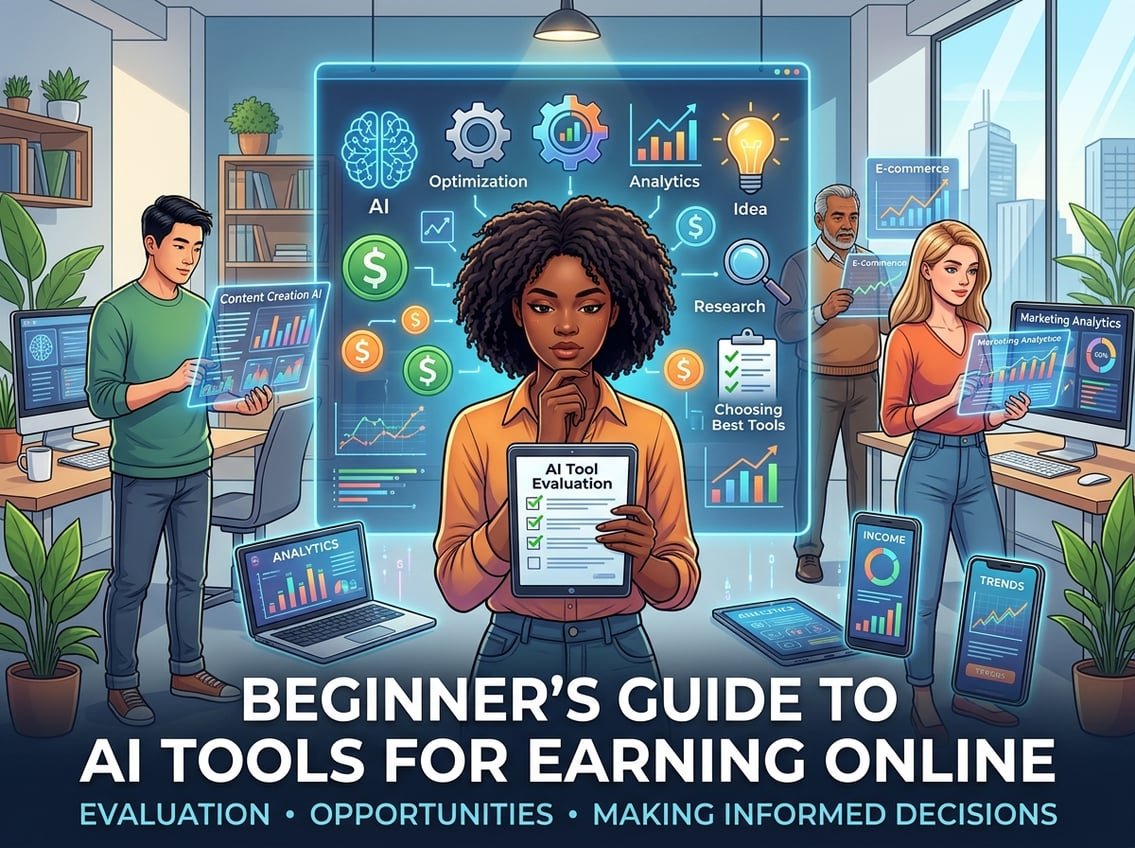
The best beginner tools are the ones you can use quickly, trust enough to publish from, and afford long enough to keep using. A tool that saves 10 minutes but creates messy output is not helping you build a business.
You also want to think past the tool itself. The real question is whether it helps you create something people will actually pay for, click, or subscribe to.
Match the Tool to a Simple Income Model
Start with one path, like blog content, affiliate marketing, digital products, online courses, or client services. If your goal is blogging, you need tools for keyword research, drafting, and seo optimization. If your goal is selling digital products, you may care more about design, outlines, and product descriptions.
Prioritize Ease of Use, Output Quality, and Cost
A beginner tool should feel simple in the first hour. That usually means a clean interface, decent free or low-cost access, and output that needs light editing instead of a total rewrite.
For many beginners, ChatGPT is the easiest place to start, especially now that GPT-4o handles more everyday tasks in a smoother way. Still, you should test the quality yourself before you rely on any AI content for public use.
Avoid Low-Trust Shortcuts and Overreliance on AI-Generated Content
AI-generated content can help you move faster, yet it should not replace your own examples, opinions, or checks. Search engines and readers both notice thin content fast, especially when it looks copied, vague, or over-automated.
If you are building long-term income, use AI as support for research, drafts, and workflow help. That is a much safer path than trying to mass-produce ai side hustles with low-value posts and no clear offer.
Best AI Tools for Writing, SEO, and Content-Based Income

These tools are the strongest starting point if you want to make money online through blogging, affiliate content, newsletter writing, or product copy. They help you plan, write, and improve content without turning your site into a pile of generic drafts.
The best results usually come from pairing one writing tool with one SEO tool and one planning tool. That gives you a simple workflow you can repeat.
ChatGPT and GPT-4o for Blog Drafts, Email Ideas, and Research
ChatGPT works well for outlines, topic ideas, FAQ drafts, email sequences, and research summaries. GPT-4o is especially useful when you want faster back-and-forth editing and cleaner responses.
I have found it most useful when I treat it like a drafting assistant, not a finished writer. It can save a lot of time on first drafts, then you can add your own facts, examples, and voice.
Koala AI, Jasper AI, and Copy.ai for Faster Content Production
Koala AI is useful when you want SEO-focused blog posts with less manual setup, which fits affiliate blogging well. Jasper AI and Copy.ai are stronger choices for marketing copy, social media content, product descriptions, and ad copy.
Copy.ai is especially handy for short-form content and quick variations. Jasper tends to fit marketers who want a broader writing workflow, while Koala is more aligned with content built for search traffic.
Surfer SEO and Keyword Research Tools for Search-Driven Traffic
Surfer SEO helps you shape content around search intent, headings, and on-page SEO signals. That matters if you want your content to bring in traffic over time instead of depending only on social posts.
Keyword research tools help you find topics people actually search for. This is the part that turns a random article into a traffic asset, which is how you support recurring affiliate commissions and email growth.
Notion AI for Content Planning, SOPs, and Workflow Organization
Notion AI is useful for keeping your blog system organized. You can store article ideas, outlines, affiliate links, content checklists, and SOPs in one place.
That matters more than people think. A simple system in Notion can keep you focused when you are publishing content, building an email list, and tracking what needs updating.
Best AI Tools for Video, Faceless Content, and Repurposing
If you want to build a faceless YouTube channel, short-form clips, or simple explainer videos, AI can cut a lot of production time. The best tools here help you turn written ideas into video, voice, and clips without needing a full studio setup.
A good beginner workflow is to create one core idea, then repurpose it into shorts, reels, and blog embeds. That gives you more reach from the same work.
Pictory AI and InVideo AI for Turning Ideas Into Faceless Videos
Pictory AI and InVideo AI are useful for turning scripts or blog posts into faceless videos. They work well for simple list videos, explainers, and content you want to repurpose from blog posts.
This is a practical starting point for a faceless YouTube channel if you do not want to film yourself. It also helps when you want to test topics before you invest in bigger production.
Synthesia, HeyGen, and AI Avatars for Explainer and Multilingual Videos
Synthesia and HeyGen let you make ai avatar videos for explainers, training content, and client work. They are especially useful when you need polished videos in multiple languages or when a face-on-camera format is not practical.
These tools fit small business owners and entrepreneurs who want simple product demos or onboarding videos. They can also help freelancers package a video service without filming gear.
Descript and Runway ML for Editing, Clipping, and Content Repurposing
Descript is strong for editing spoken audio and video by changing text. Runway ML is useful for more advanced ai video editing and creative clip work.
For beginners, Descript is often the easier first pick because it feels closer to a normal editing workflow. Runway can be powerful for ai video creation and effects, yet it may take more time to learn.
ElevenLabs and Murf AI for Voiceovers, Voice Cloning, and Audio Workflows
ElevenLabs is one of the most useful tools for ai voiceovers. Murf AI is also strong for clean audio, narration, and voice generator workflows.
These tools are helpful for faceless videos, explainer videos, and multilingual videos. If you want to repurpose content across platforms, a good voiceover tool can speed up the whole process.
Best AI Tools for Design, Images, and Digital Products
Visual tools are great if you want to sell templates, thumbnails, simple brand assets, or digital products. You do not need to be a trained designer to start making useful assets.
The key is to create visuals that solve a problem for a specific audience. That is far more valuable than just making random pretty images.
Canva AI for Templates, Thumbnails, and Client Design Packages
Canva AI is one of the easiest tools for beginners. It works well for YouTube thumbnails, social media content, Pinterest pins, lead magnets, and simple client design packages.
If you want a practical first offer, thumbnail bundles or social graphics are a good place to start. Canva also helps you create digital products like checklists, planners, and printable templates.
Midjourney, DALL·E, and Leonardo.ai for AI-Generated Art and Assets
Midjourney is strong for stylized ai-generated art and concept visuals. DALL·E and Leonardo.ai are useful when you want a flexible ai image generator for assets, illustrations, or product ideas.
These tools can support creative market-style assets, brand art, and niche graphics. If you plan to sell images, make sure your output has a clear use case and not just a random style.
How Beginners Can Package Visual Assets Into Sellable Digital Products
You can turn a set of niche graphics into digital products, such as thumbnail templates, social content packs, printable wall art, or brand kits. The best products solve a small, repeated need.
For example, a creator might sell a starter pack for small business owners, while a blogger might build a printable bundle for an Etsy audience. The more specific the audience, the easier it is to make something useful.
How to Turn AI Tools Into Recurring Revenue Systems
AI tools make the most money when they sit inside a repeatable system. That system might be a blog, an email list, a service offer, or a product funnel.
The goal is not just to create fast. The goal is to create assets that keep paying you.
Pair AI Content With Blogging, Affiliate Marketing, and SEO
Use AI to speed up blog outlines, draft posts, and content refreshes, then publish around search intent. That is one of the cleanest ways to build long-term traffic and affiliate revenue.
This is where iProfitLab’s focus on systems makes sense. A single blog post can support SEO traffic, an email opt-in, and a recurring affiliate recommendation at the same time.
Use Email Lists and SaaS Offers to Build Recurring Commissions
Email lets you own your audience instead of renting it from social platforms. If you promote trusted SaaS offers, the recurring commission model can be stronger than one-time sales.
A simple setup might be a blog post, a lead magnet, and a newsletter that teaches one clear topic. Over time, that gives you a steady way to recommend tools, training, and subscriptions.
Offer Productized Services to Clients With AI Automation
Many freelancers make good money by turning AI into a service. That can include content repurposing, social media management, ai automation services, ai chatbots, or email setup work for small business owners.
Tools like Zapier can help you automate basic workflows, while an AI website builder or simple design stack can help you deliver faster. The best offer is often a narrow package with a clear result.
Build a Simple Beginner Stack Without Tool Overload
You do not need 10 tools to get started. A strong beginner stack might be one writing tool, one design tool, one SEO tool, and one email platform.
If you want a simple next step, keep your stack small and learn each tool well. That approach usually leads to better results than chasing every new release.
Frequently Asked Questions
What are the easiest AI tools a complete beginner can use to start earning online?
The easiest tools are usually ChatGPT, Canva AI, and one simple video tool like Pictory AI or InVideo AI. These let you create content, visuals, and basic videos without much setup.
Can I make money with AI using only free tools, and which ones are worth starting with?
Yes, you can start with free or low-cost tools, especially ChatGPT’s free access, Canva’s free plan, and some trial versions of SEO or video tools. The main limit is usually volume and branding, not whether you can begin.
How can I start making money with AI without any upfront investment?
Start by using free tools to create simple services, such as blog drafts, social posts, thumbnails, or short videos. Then offer those services to small clients or use the content to build a blog and email list.
What are realistic ways to make money with AI if I have no experience or technical skills?
Good beginner options include content writing support, social media packs, simple design work, faceless video creation, and digital products. These do not require coding, and they are easier to package into clear offers.
Which AI tools are best for building small online business services like writing, design, or marketing?
ChatGPT, Jasper AI, Copy.ai, Canva AI, Surfer SEO, and Descript are solid picks for service work. They help you move faster while keeping the work practical for clients.
How do I choose between popular AI assistants like Claude and ChatGPT for money-making tasks?
Choose the one that helps you work faster with the least friction. ChatGPT is often the easiest place to start for beginners, while Claude can be strong for long text tasks and careful drafting, so it is worth testing both on the kind of work you plan to sell.