A content calendar for affiliate bloggers is not just a posting schedule. It is the system that helps you publish with purpose, match posts to buyer intent, and turn steady traffic into clicks, email signups, and recurring commissions.

If you want your affiliate blog to grow in a steady way, your calendar needs to connect SEO, content updates, email capture, and promotions in one plan.
That matters because random publishing rarely builds trust or income. A good editorial calendar gives you a repeatable way to choose topics, keep momentum, and know what each post is supposed to do.
Key Takeaways
-
Plan posts around traffic and revenue goals.
-
Mix search-driven, promotional, and update content.
-
Review your calendar often so it keeps working.
What a Working Calendar Must Include
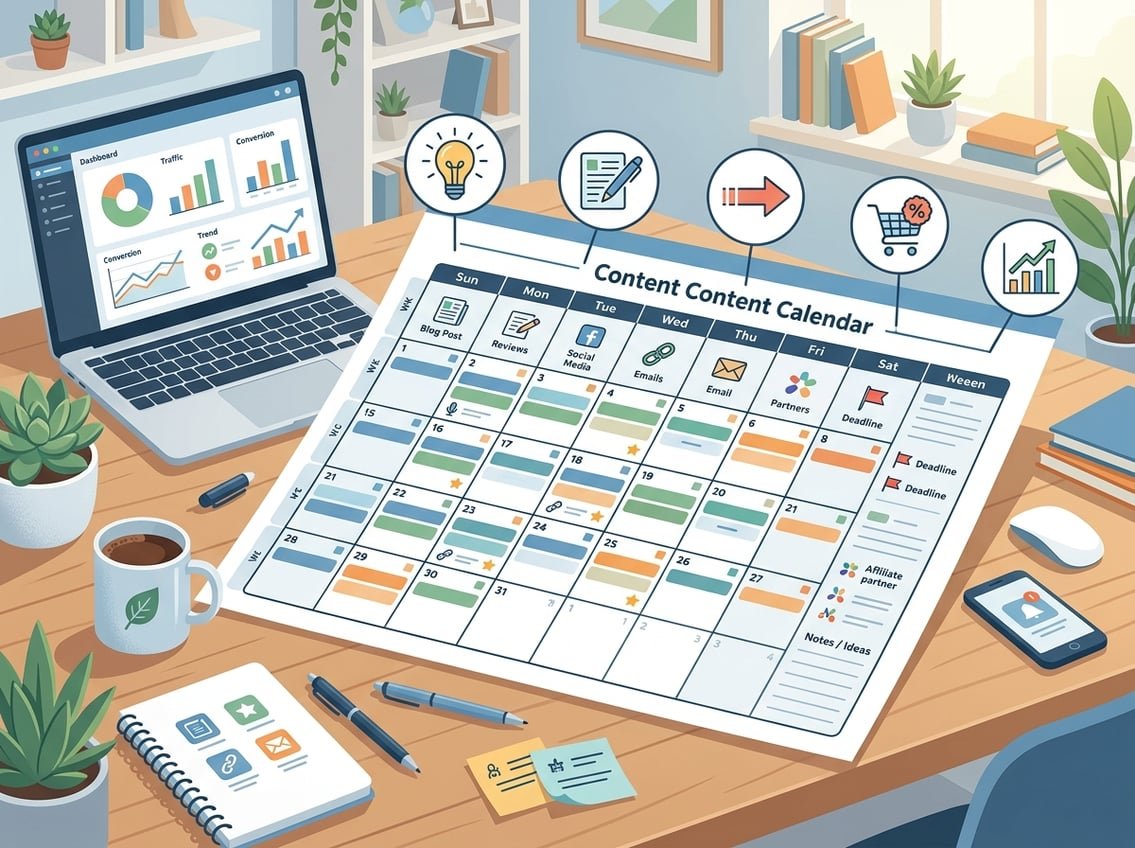
A useful calendar is more than dates on a page. Your content calendar template should show what you are publishing, why it matters, and how it supports your broader content strategy.
It also helps to treat your editorial calendar template like a working document, not a static plan. The best version tracks the post theme, content types, publication frequency, and any content updates you need to make later.
Core Fields Every Affiliate Blogger Should Track
At minimum, your content schedule should include:
-
Post title
-
Primary keyword
-
Search intent
-
Content type
-
Publish date
-
Affiliate offer
-
CTA or lead magnet
-
Update date
Those fields make it easier to see what each post is meant to do. A review post and a tutorial should not sit in your calendar with the same goal.
How a Content Calendar Supports SEO, Email, and Affiliate Goals
A strong calendar keeps your SEO topics organized in a way that builds topical depth. It also helps you place email opt-ins where they fit naturally, instead of adding them at the last minute.
For affiliate work, the calendar lets you balance traffic posts with money posts. That mix is important if you want steady growth instead of a blog full of thin sales content, a point also reflected in affiliate content calendar guidance.
Editorial vs Promotional vs Update Entries
Use three entry types in your calendar:
-
Editorial entries for new posts and guides
-
Promotional entries for launches, seasonal offers, and newsletter pushes
-
Update entries for refreshing older posts, links, and keywords
That simple split keeps your calendar useful. It also makes it easier to protect publishing consistency while still giving old posts room to improve.
How to Plan Content Around Search Intent and Commissions

The best content ideas come from matching search intent with the right affiliate offer. When you do that well, your content marketing plan starts to support both rankings and commissions.
Your keyword research should point you toward future content ideas that fit the buyer journey. Tools like Semrush and Moz can help you spot intent, related terms, and gaps in your content ideas.
Choosing Topics That Match Buyer Journey Stages
Plan your calendar around where the reader is in the buying process:
-
Problem aware: educational posts and beginner guides
-
Solution aware: tutorials, comparisons, and use-case posts
-
Product aware: reviews, alternatives, and best-of lists
A post that attracts early-stage searchers can still lead to commissions if your next step is clear. That often means a lead magnet, email sequence, or internal link to a comparison page.
Using Keyword Clusters to Build Topical Authority
Keyword research works best when you group related posts into clusters. One main topic might support a guide, two comparisons, a review, and a troubleshooting post.
That structure helps search engines see your site as focused and useful. It also gives you future content ideas that are easier to plan because each post supports a larger topic group.
Balancing Review, Comparison, Tutorial, and List Posts
Your calendar should not lean too hard on one format. Review posts often convert well, while tutorials and list posts can bring in broader search traffic.
A healthy mix usually looks like this:
-
Tutorials for traffic and trust
-
Comparisons for decision help
-
Reviews for purchase intent
-
Lists for discovery and internal linking
That balance gives you more chances to earn without turning your blog into a sales page.
Building a Realistic Publishing System
If you are learning how to create a content calendar, start with what you can actually sustain. A clean content production schedule matters more than a crowded plan you cannot keep up with.
A simple content creation process often beats a complicated one. Many beginner bloggers do better with a free content calendar template in Google Sheets before moving into more advanced tools.
How to Create a Monthly and Quarterly Workflow
Use the quarter to choose your main themes, then use the month to assign actual posts. That keeps your editorial calendar flexible while still giving you direction.
A simple workflow looks like this:
-
Pick 3 to 5 core topics for the quarter
-
Assign one main goal for each topic
-
Break each topic into monthly posts
-
Add update slots for older content
-
Review results at the end of the month
This keeps your publication frequency tied to goals instead of guesswork.
Setting a Sustainable Cadence for Solo Bloggers
If you are solo, your cadence needs to match your time and energy. A realistic publication frequency is usually 1 to 3 strong posts per week, with room for updates.
It is better to publish less and stay consistent than to burn out in month two. That is one reason iProfitLab often stresses systems over motivation, because your calendar should support repeatable work.
Mapping the Full Content Creation Process
Your calendar should show each stage of production:
-
Keyword research
-
Outline
-
Draft
-
Edit
-
Add affiliate links
-
Add email opt-in
-
Publish
-
Promote
-
Update later
When you map the full process, you stop treating content as a last-minute task. It becomes a pipeline you can manage.
Managing Blog, Social, and Email in One Place
A content calendar works best when your blog, social media calendar, and email plan support each other. That gives each post more reach without forcing you to create brand-new ideas for every channel.
Tools like Buffer, Hootsuite, Loomly, CoSchedule, and Asana can help you keep that workflow organized.
Connecting Blog Posts to Newsletters and Lead Magnets
Each blog post should have a next step. That might be a newsletter signup, a checklist, a mini guide, or a free resource that matches the topic.
This is where email becomes valuable. A post can bring traffic today, then bring subscribers into your list for later promotions, follow-up content, and recurring offers.
Repurposing Posts Into Social Media Assets
One blog post can create several social assets:
-
A short quote graphic
-
A tip carousel
-
A thread or post series
-
A short video script
-
A pin for Pinterest
This makes your social media content calendar easier to fill. A smart posting schedule uses one core article as the base for multiple distribution pieces.
Choosing the Right Tool for Your Workflow
The best tool is the one you will use weekly. If you are a solo blogger, a spreadsheet or simple project board may be enough at first.
If you are handling social media management across multiple channels, a tool with scheduling, task views, and content planning can save time. The goal is not fancy software, it is clarity.
Keeping the Calendar Useful Over Time
A content calendar only works if you keep using it to make better decisions. That means regular content audit work, not just adding new ideas every week.
Over time, your editorial calendar should reflect what is ranking, what is converting, and what needs a rewrite. Site-wide content audits make that much easier.
When to Refresh, Merge, or Retire Old Posts
Refresh a post when the topic is still relevant but the details are outdated. Merge posts when two pages compete for the same keyword or solve the same problem.
Retire a post when it brings no value, no traffic, and no realistic conversion path. That keeps your content strategy clean and easier to manage.
Using Content Audits to Improve Rankings and Conversions
A good audit looks at more than pageviews. Check clicks, affiliate link performance, email signups, and scroll depth if you track it.
If a post ranks but does not convert, improve the call to action or affiliate match. If it converts but does not rank, improve the title, structure, and internal links.
Simple Metrics That Show What to Double Down On
Watch these metrics first:
-
Organic clicks
-
Affiliate link clicks
-
Email opt-ins
-
Conversion rate
-
Returning visitors
Those numbers tell you which topics deserve more content and which ones need updates. That is the kind of loop you want in a working calendar.
Frequently Asked Questions
How do I build a monthly content calendar that consistently drives affiliate clicks and sales?
Start with one main goal for the month, such as traffic, email growth, or a specific affiliate offer. Then choose a mix of posts that match that goal, like one tutorial, one comparison, and one review.
Place affiliate links where they fit the reader’s intent, not everywhere. A focused monthly plan usually works better than posting random topics and hoping one converts.
What types of posts should I mix in to keep my affiliate blog from feeling too promotional?
Use educational posts, tutorials, comparisons, reviews, and list posts in a balanced way. Educational content builds trust, while reviews and comparisons help readers make buying decisions.
A simple ratio many bloggers use is more helpful content than sales content. That keeps your site useful and makes affiliate offers feel natural.
How far in advance should I plan and batch content for an affiliate blog, weeks or months?
A 30 to 90 day plan is a good range for most bloggers. That gives you enough structure to batch work without locking yourself into topics that may no longer fit search demand.
If you can, map your quarter first and then batch a few weeks at a time. That is usually easier to maintain than planning an entire year in detail.
What does a realistic affiliate blogging content calendar look like for someone posting 1 to 3 times per week?
A realistic calendar might include one new money post, one traffic post, and one update or promo each week. If you publish three times, rotate between tutorials, comparisons, and reviews.
You do not need to publish every day to see results. Consistency with the right topics matters more than volume alone.
How can I set up an affiliate content workflow in Trello so I can track ideas, drafts, and publishing?
Create columns for Ideas, Keyword Research, Outline, Drafting, Editing, Scheduled, and Published. Add cards for each post and move them through the board as you work.
You can also add labels for post type, affiliate offer, or priority. That makes Trello a simple visual content production schedule.
Which scheduling tools like Buffer work best for promoting affiliate posts on social without spamming?
Buffer is a simple choice if you want clean scheduling and easy post rotation. Hootsuite, Loomly, and CoSchedule can work well too if you want more planning features and team support.
The key is to schedule helpful snippets, not repeated sales pitches. Share tips, quotes, and use-case angles that point back to the post naturally.